GoRent Partner
HomeGuides
HelpGo to Vendor Portal
Home>Guides

All guides

Step-by-step help for the GoRent Partner app.

Welcome to GoRent Partner: a shop team waving beside a scooter

Partner app

Getting started with GoRent Partner

Hand over a bike

GoRent Partner

Partner app

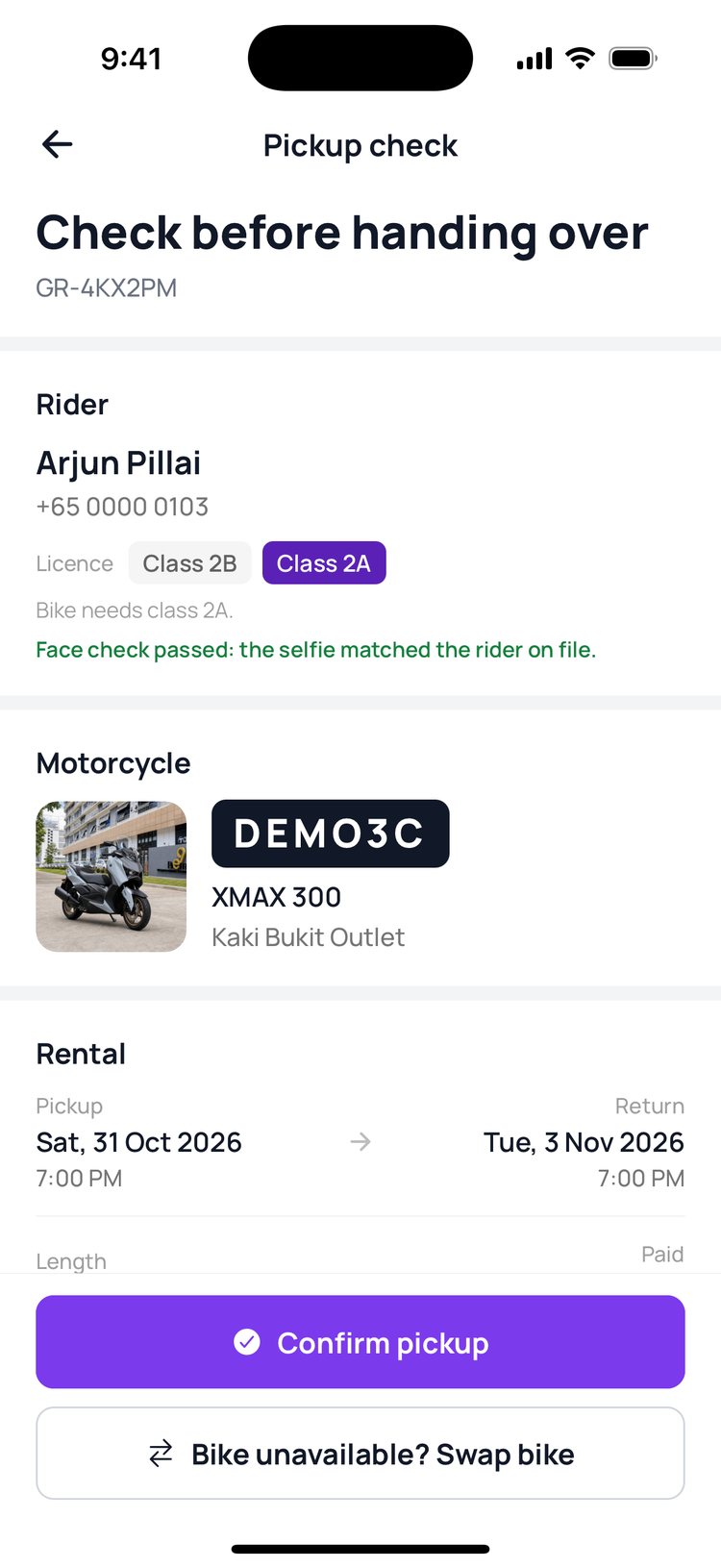
Hand over a bike at pickup

Check bikes in
GoRent Partner

Partner app

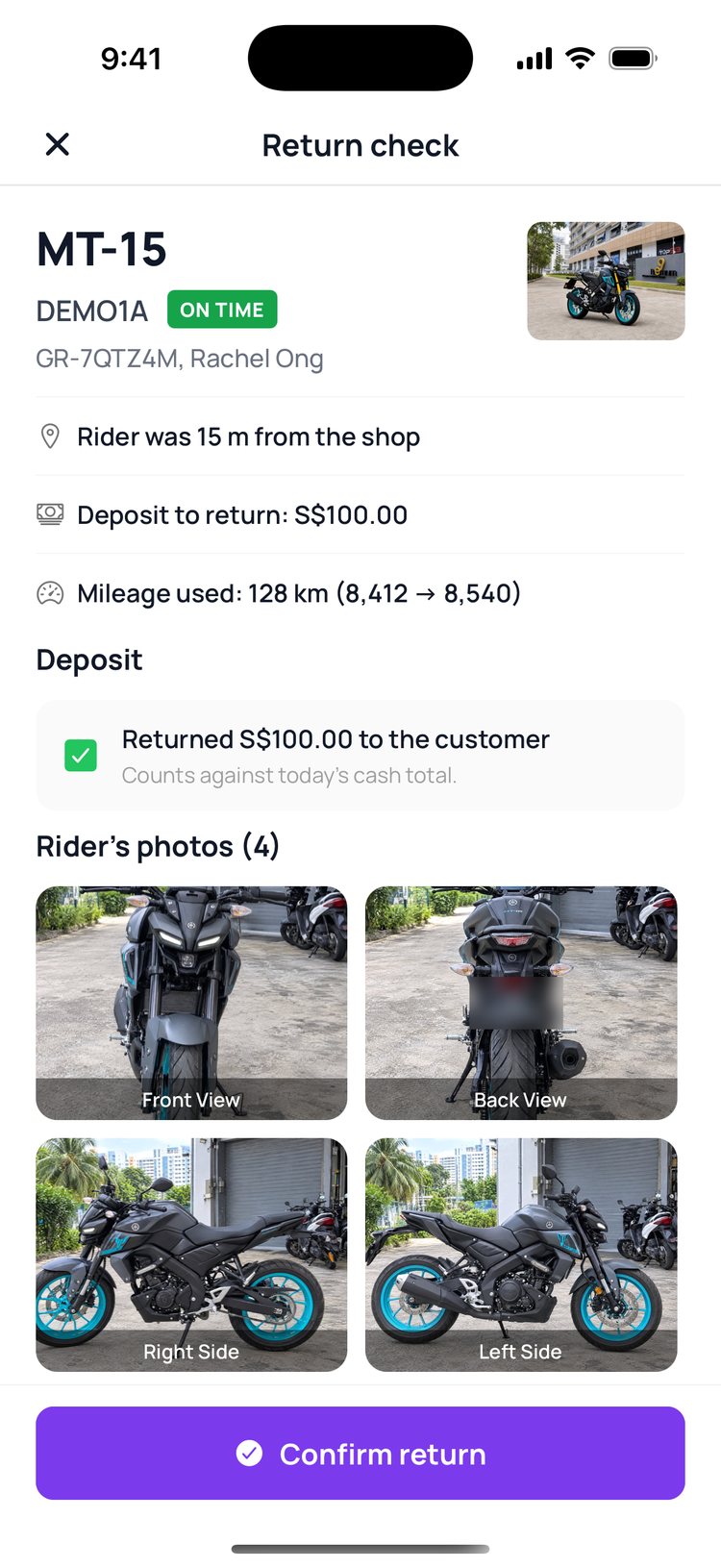
Check a bike back in

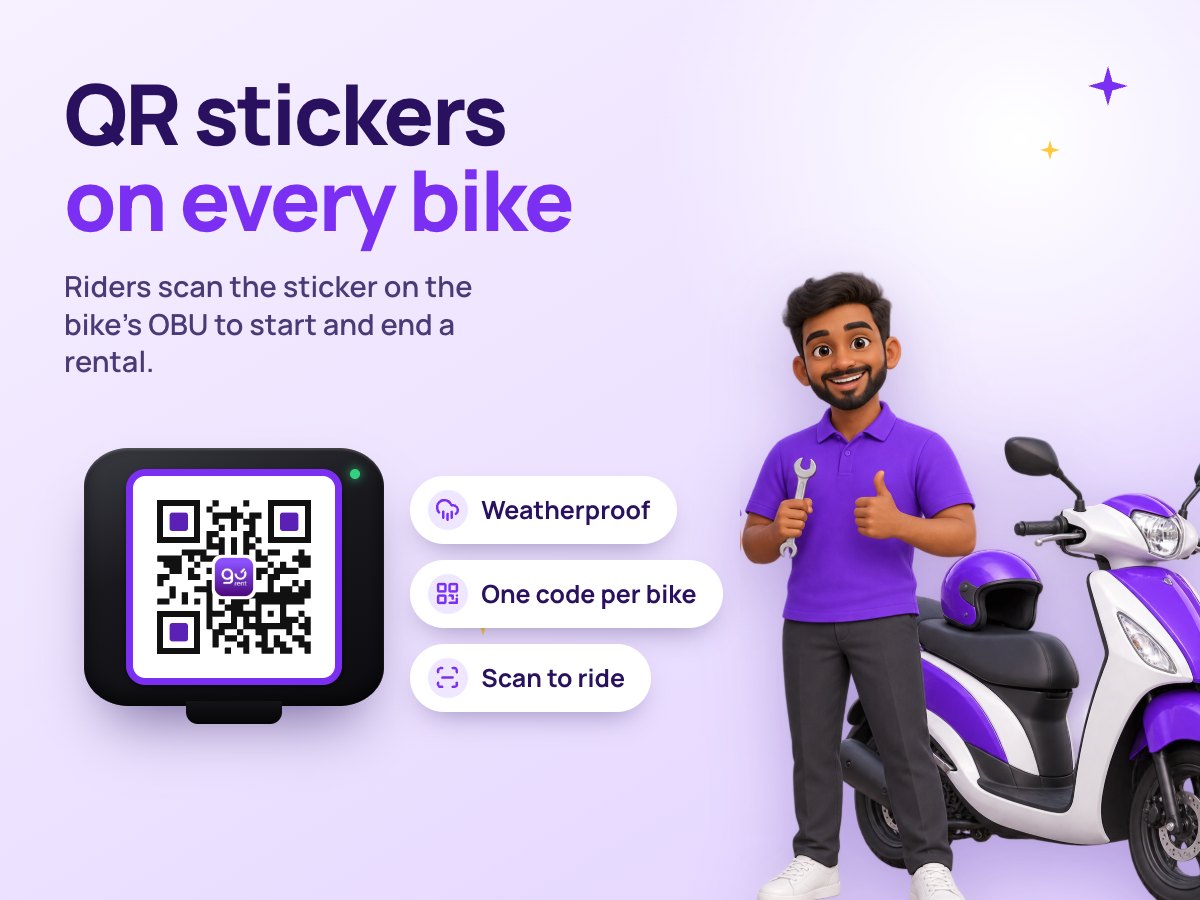
QR stickers on every bike: a mechanic beside a scooter, and a GoRent QR sticker on an OBU

Self-service

QR stickers on your bikes
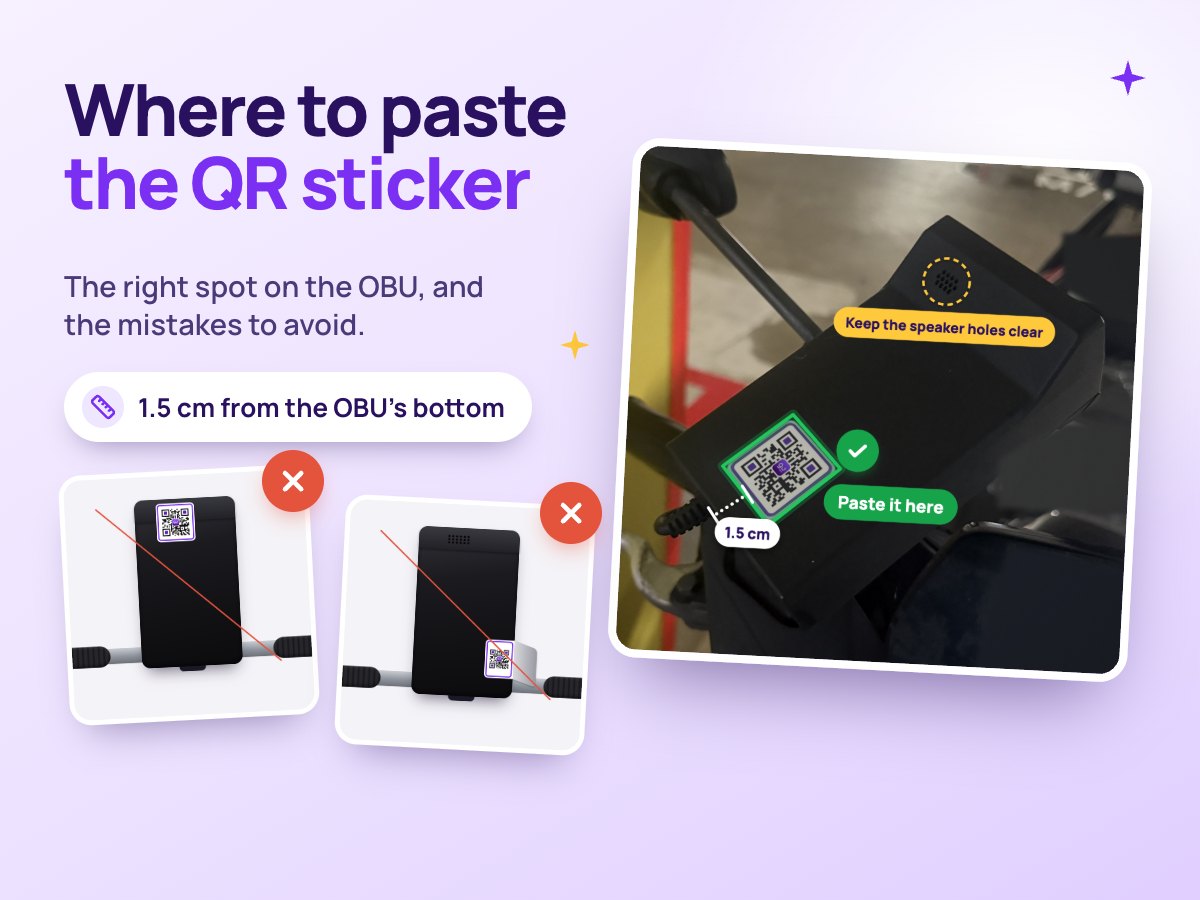
Where to paste the QR sticker: the right spot on the OBU, and the mistakes to avoid

Self-service

Where to paste the QR sticker
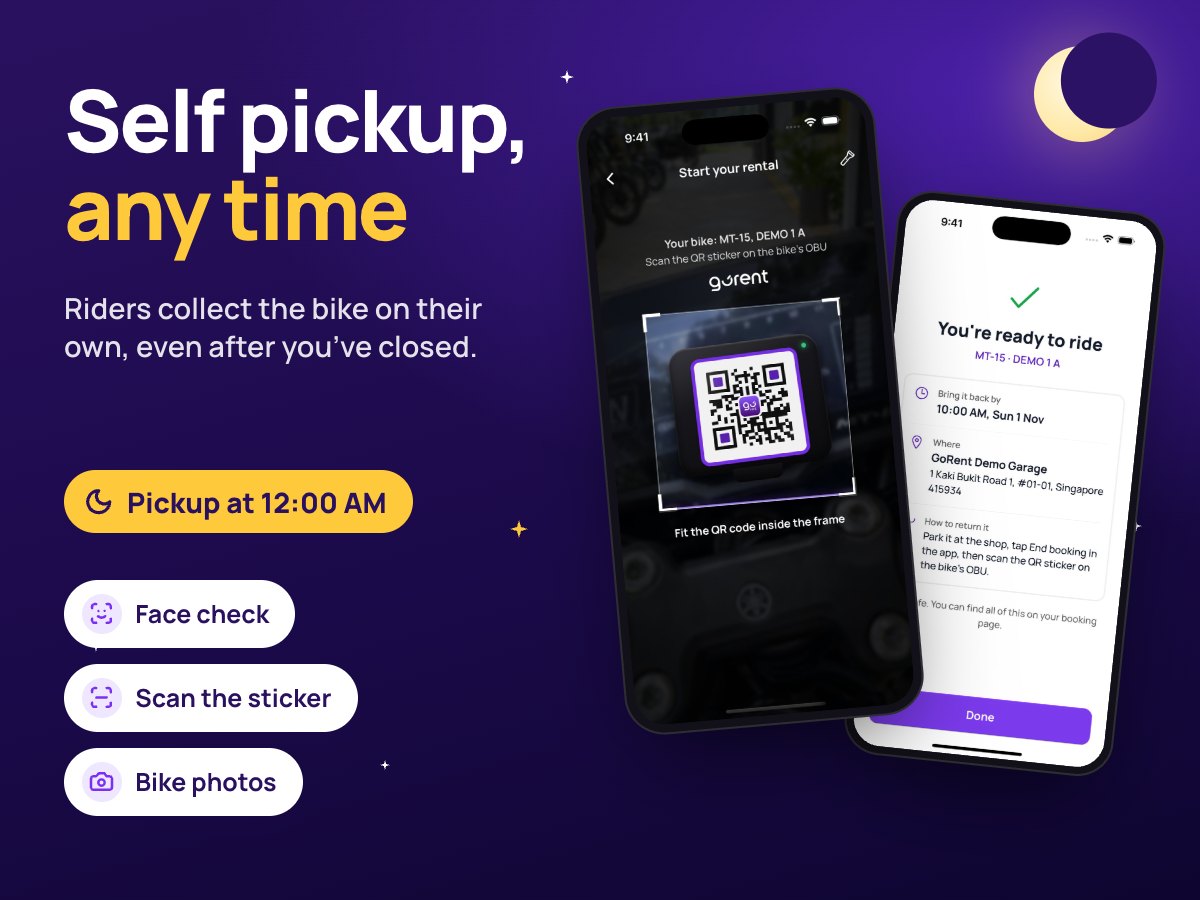
Self pickup, any time: the rider’s scanner on a bike’s QR sticker at midnight

Self-service

How self pickup works

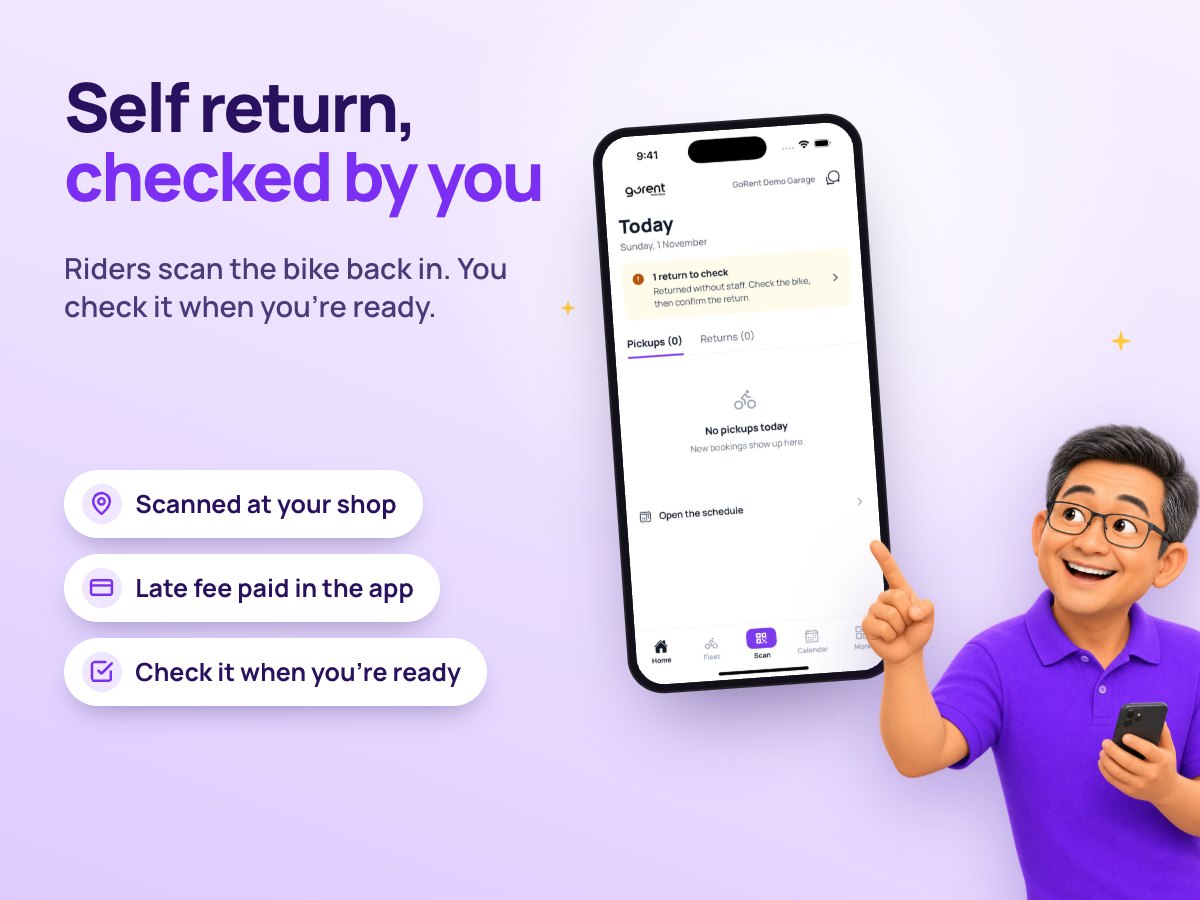
Self return, checked by you: the shop owner pointing at a return to check in GoRent Partner

Self-service

How self return works

The booking page
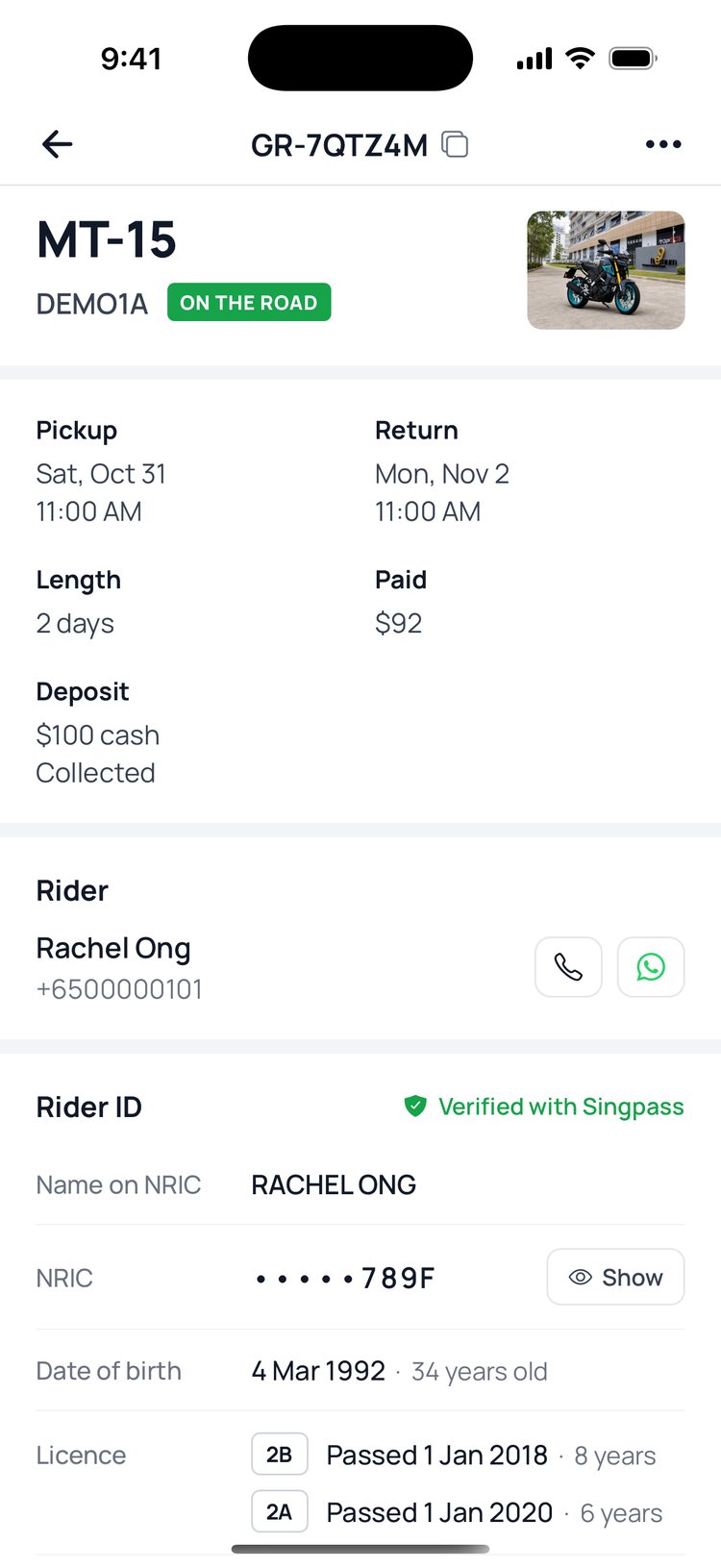
GoRent Partner

Partner app

Find your way around the booking page

Swap a bike
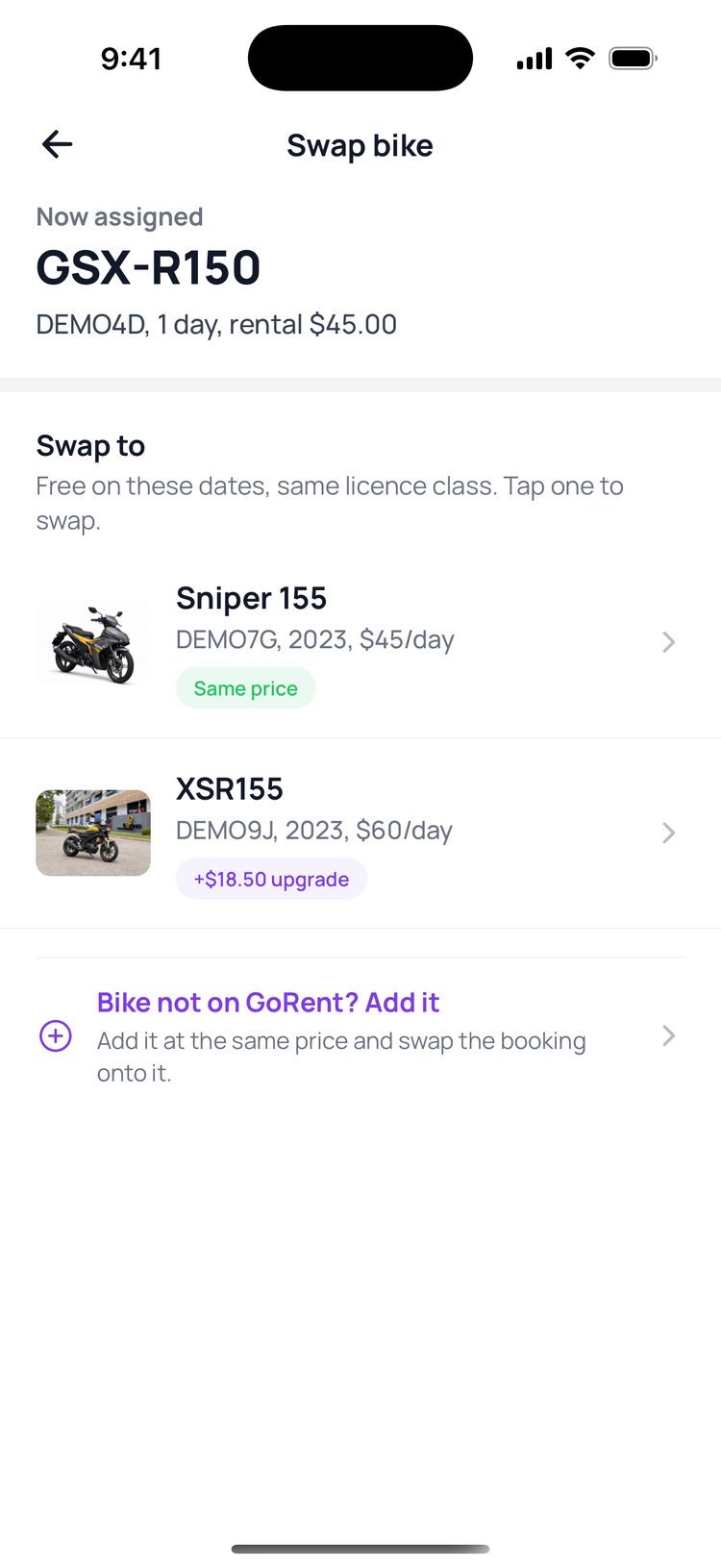
GoRent Partner

Partner app

Swap a booking to another bike

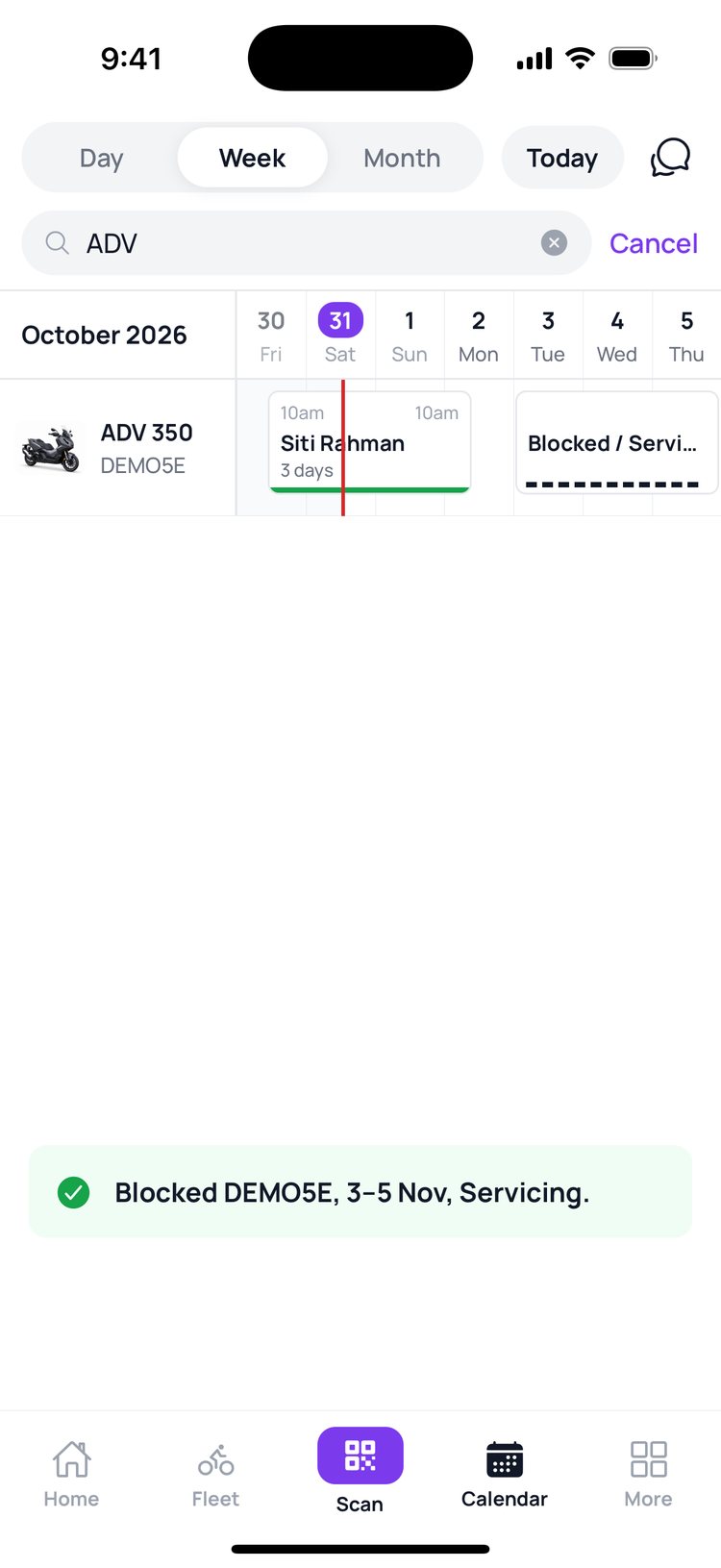
Block dates
GoRent Partner

Partner app

Block dates for a bike

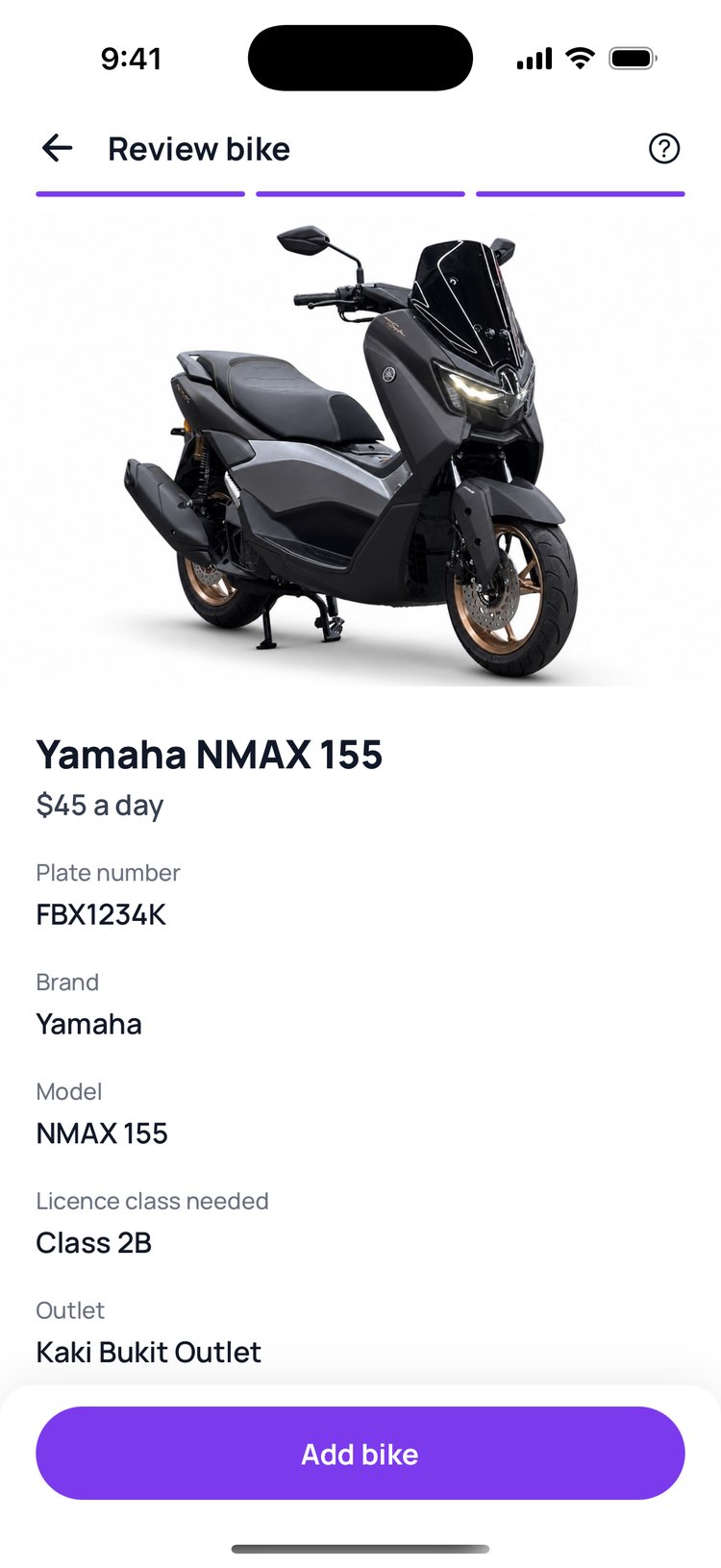
Manage your bikes
GoRent Partner

Partner app

Add, edit or remove a bike

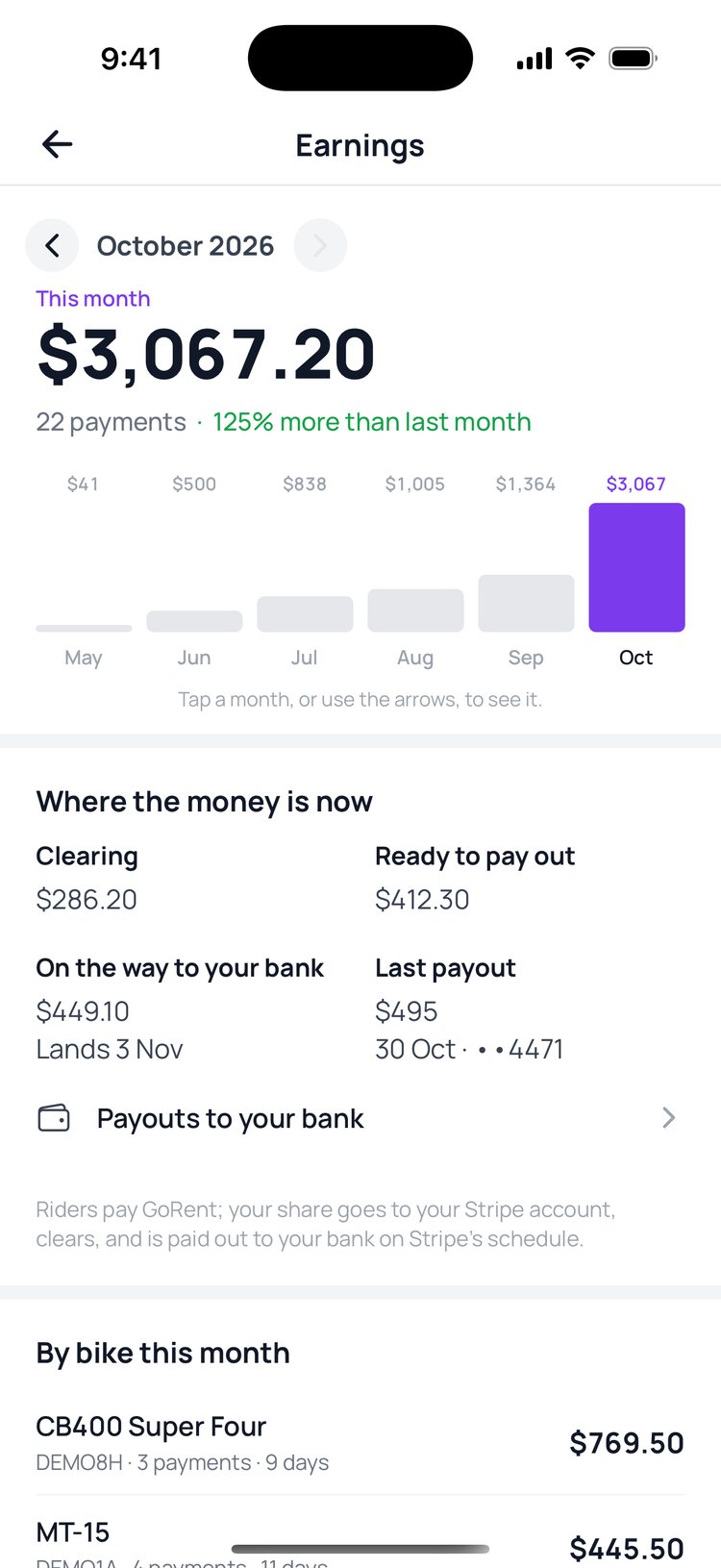
Your earnings
GoRent Partner

Partner app

See what your shop earns

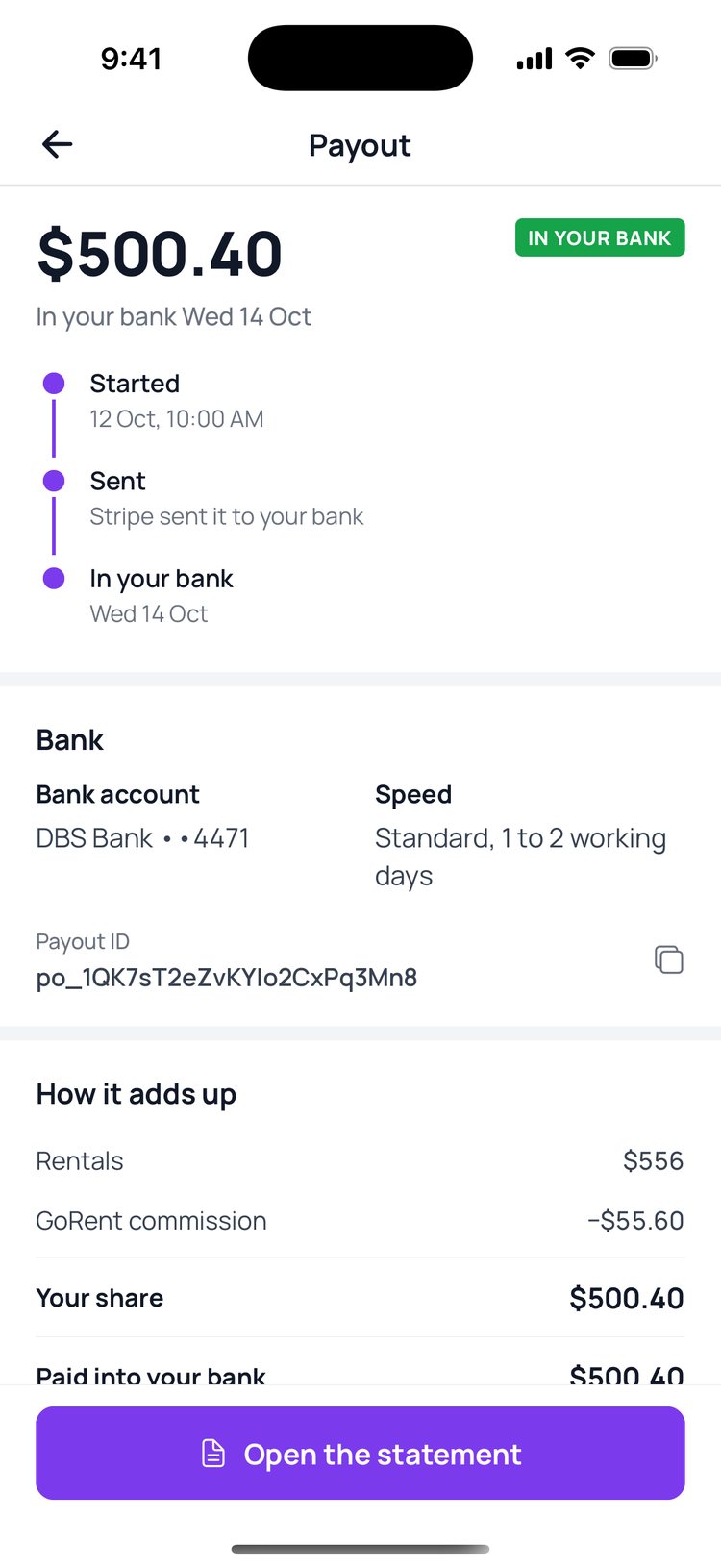
Payouts
GoRent Partner

Partner app

Payouts and statements

Booking alerts
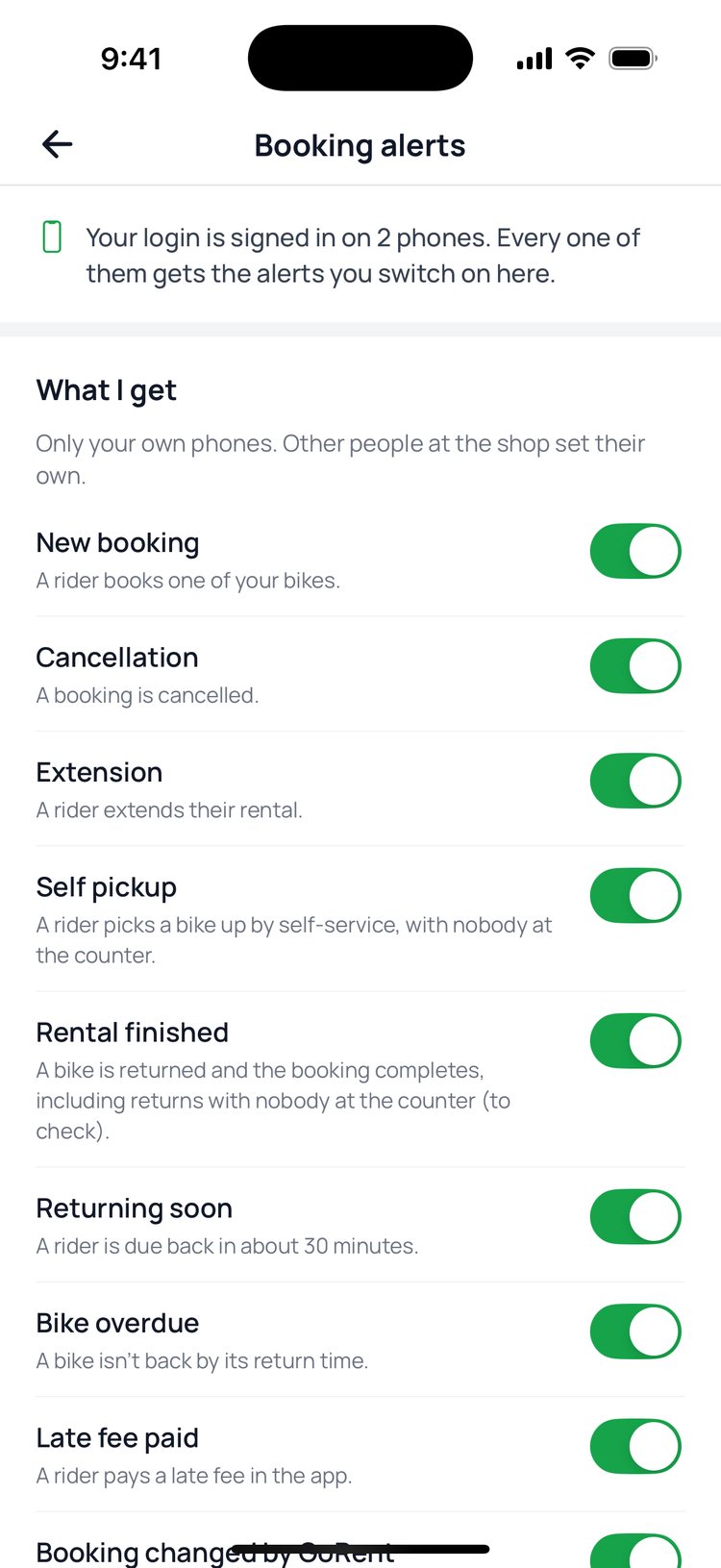
GoRent Partner

Partner app

Booking alerts and who gets them
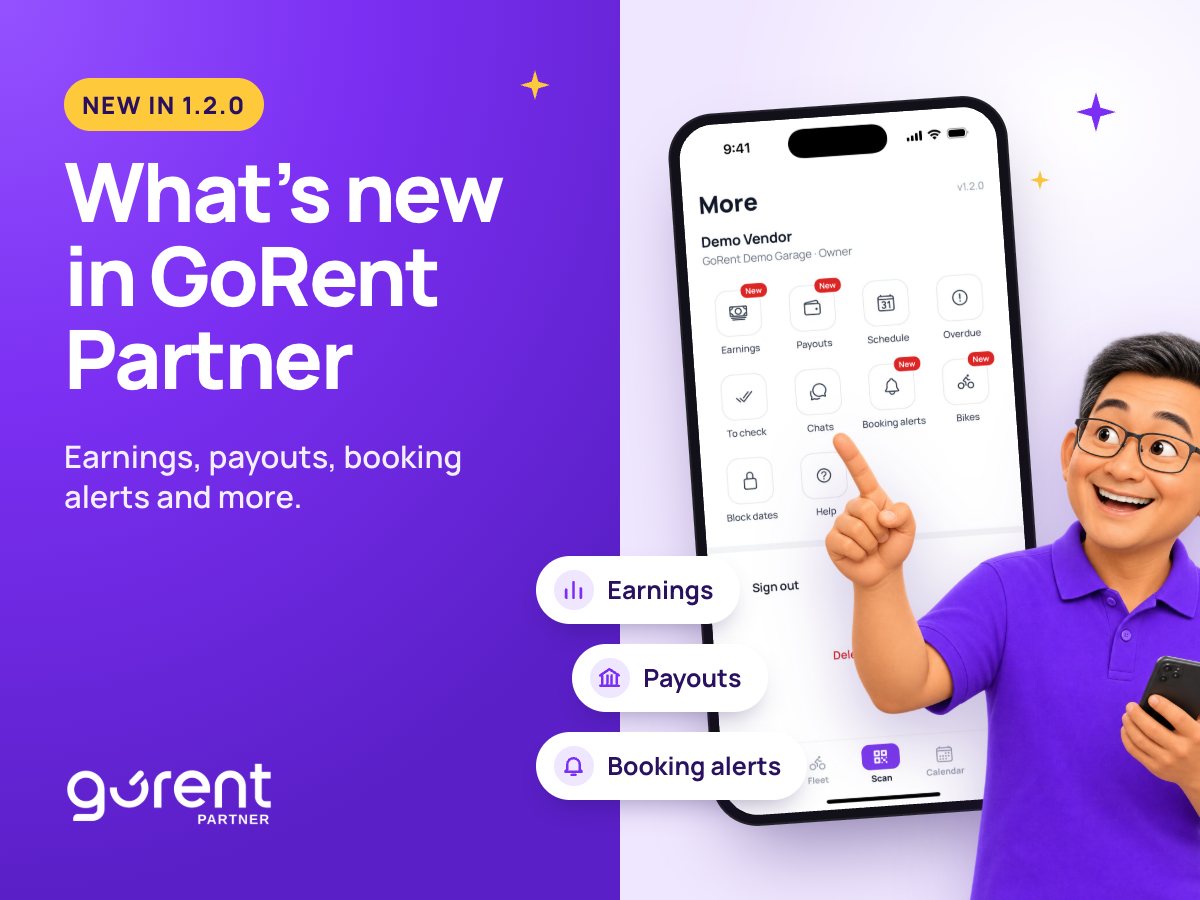
What’s new in GoRent Partner 1.2.0: earnings, payouts and booking alerts

Partner app

What’s new in GoRent Partner 1.2.0

GoRent Partner

Grow your rental business with GoRent

GoRent Technologies Pte. Ltd.
60 Paya Lebar Road, #07-54 Paya Lebar Square
Singapore 409051

Follow us and keep updated

InstagramTikTokWhatsApp

© GoRent 2026

Download on theApp StoreGet it onGoogle Play