
Partner app
What’s new in GoRent Partner 1.2.0
Version 1.2.0 brings your earnings, payouts, bikes and booking alerts into the app, shows each rider’s ID on the booking, and makes blocking dates quicker.
How it works:
Update GoRent Partner from the App Store or Google Play. You’ll find your version at the top right of the More tab, and the new squares are marked ‘New’.
1. Everything new is on the ‘More’ tab, marked ‘New’.
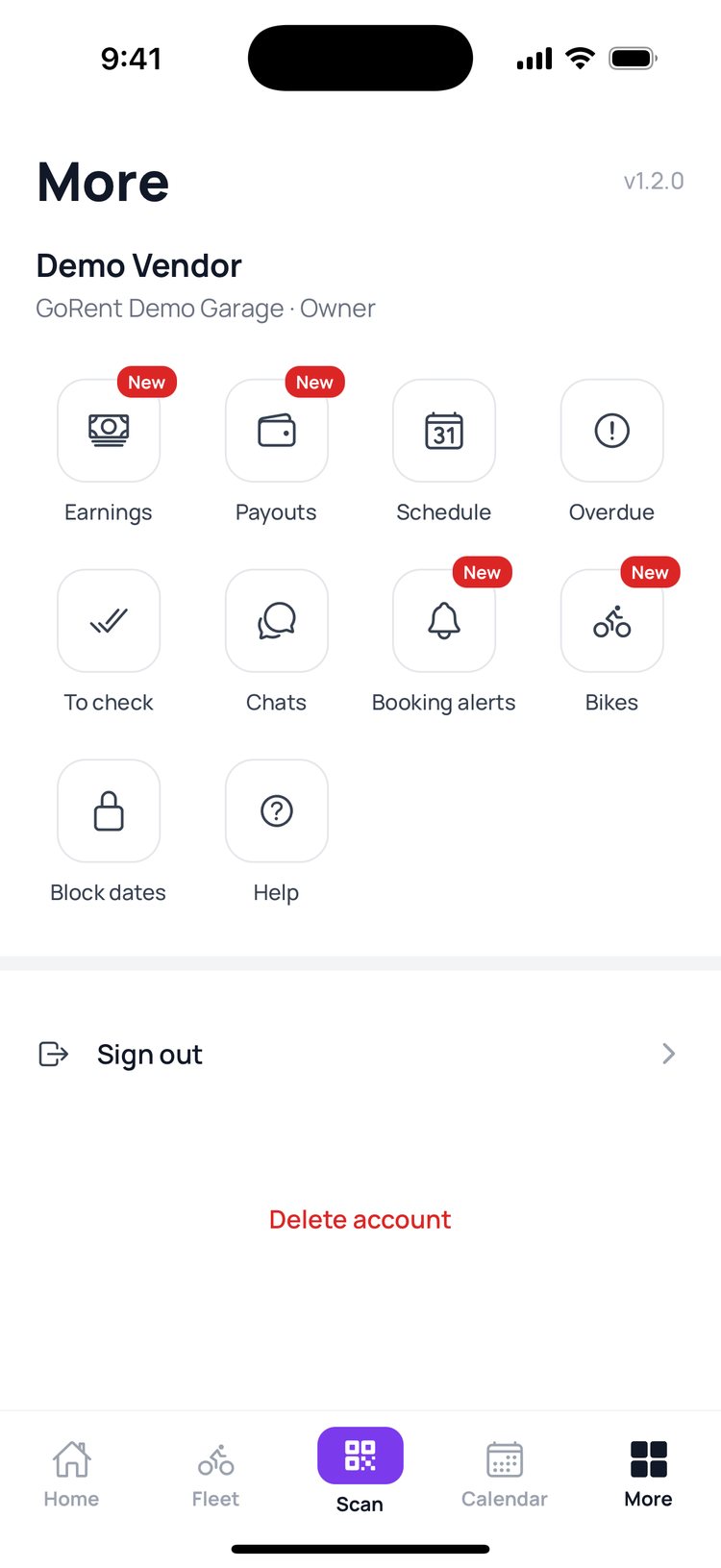
2. Earnings: what you make each month, bike by bike.
Read the guide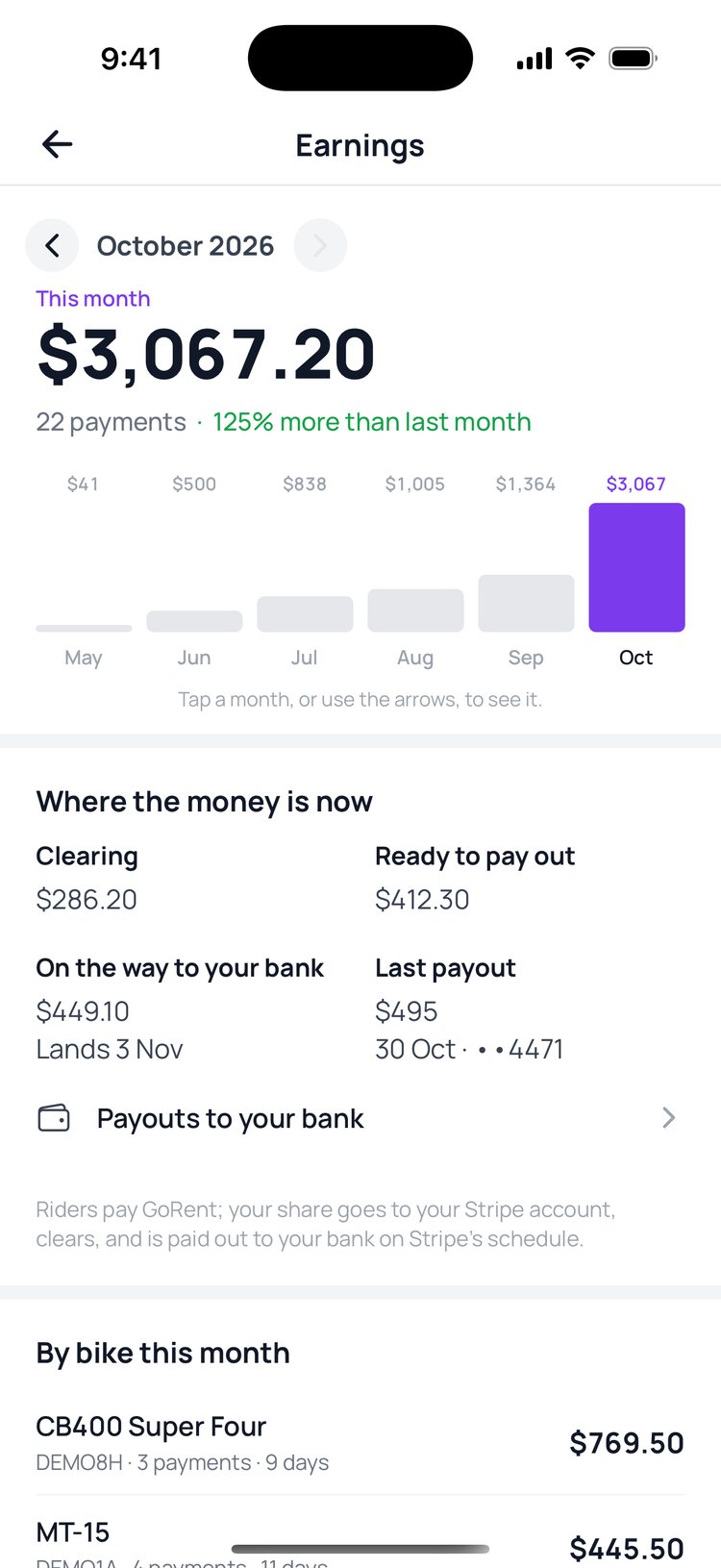
3. Payouts: every payout to your bank, with a statement for each.
Read the guide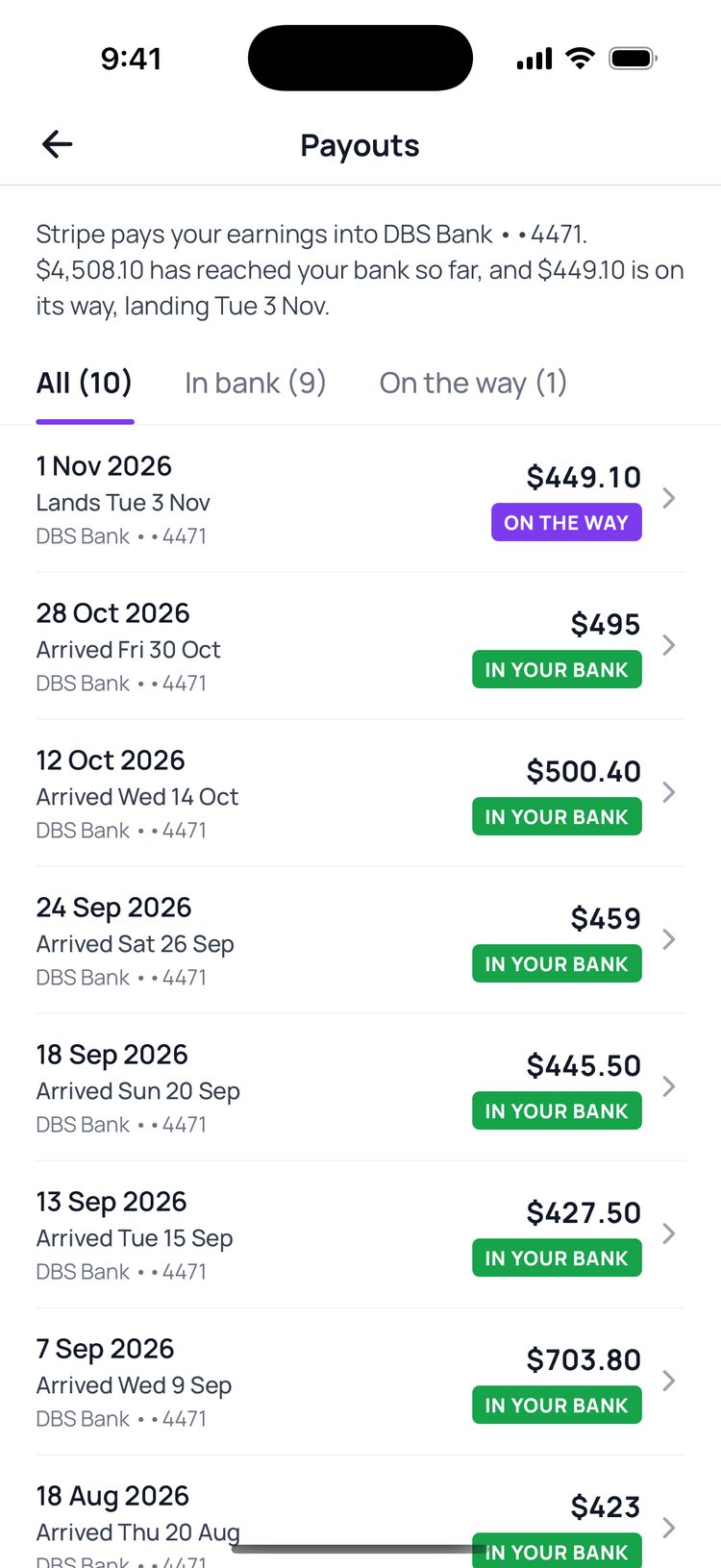
4. Booking alerts: pick your alerts, including a heads-up 30 minutes before a rider is due back.
Read the guide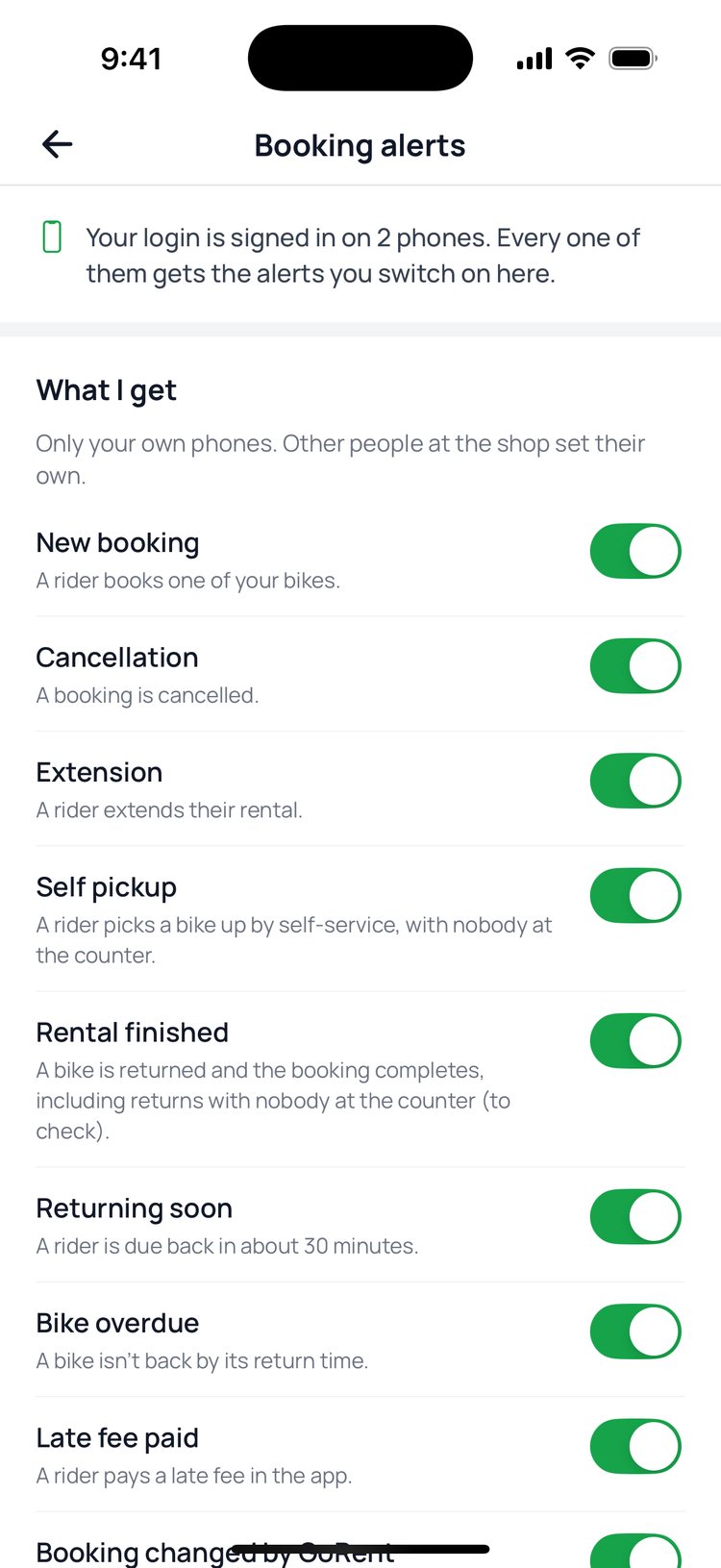
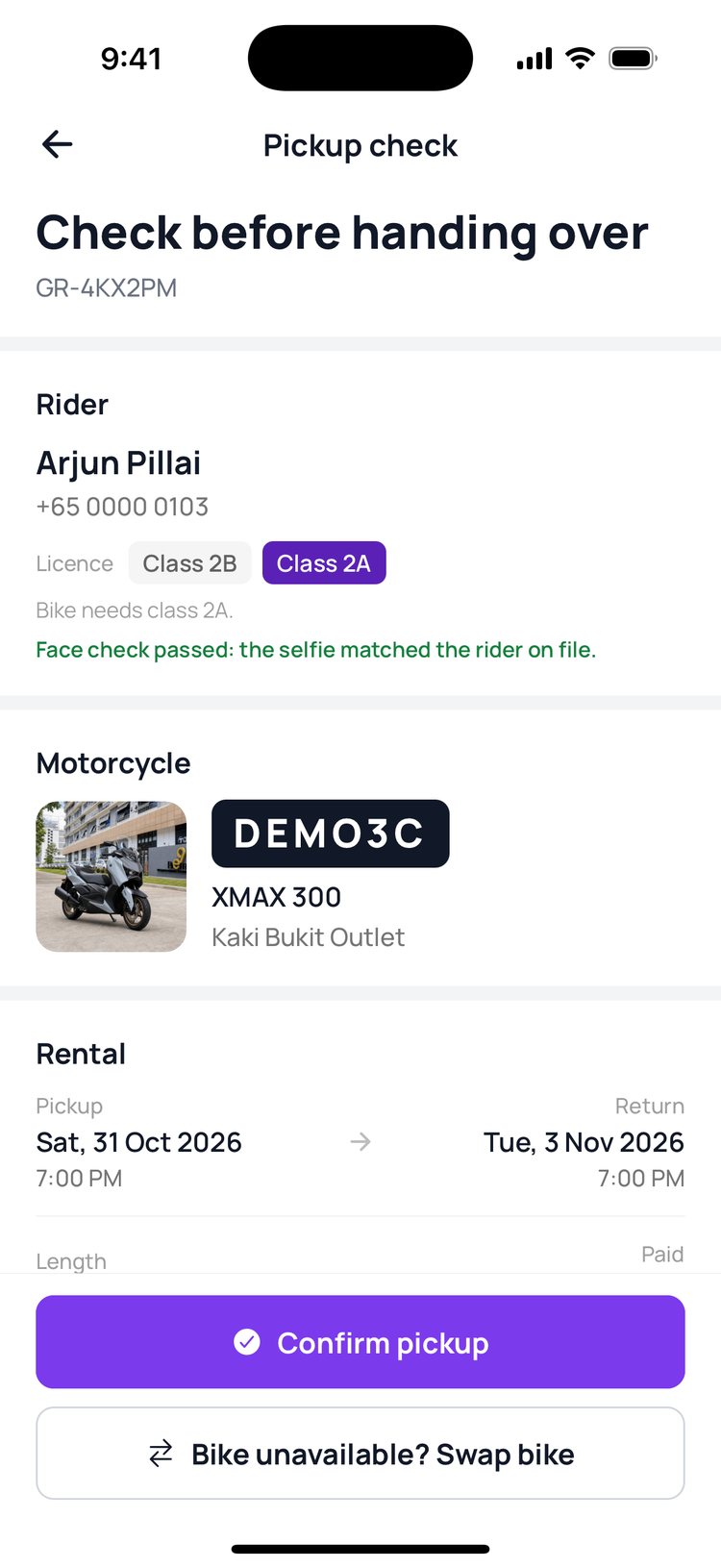
5. Rider ID: the rider’s official name, licence and demerit points on every booking, safe from screenshots.
Read the guide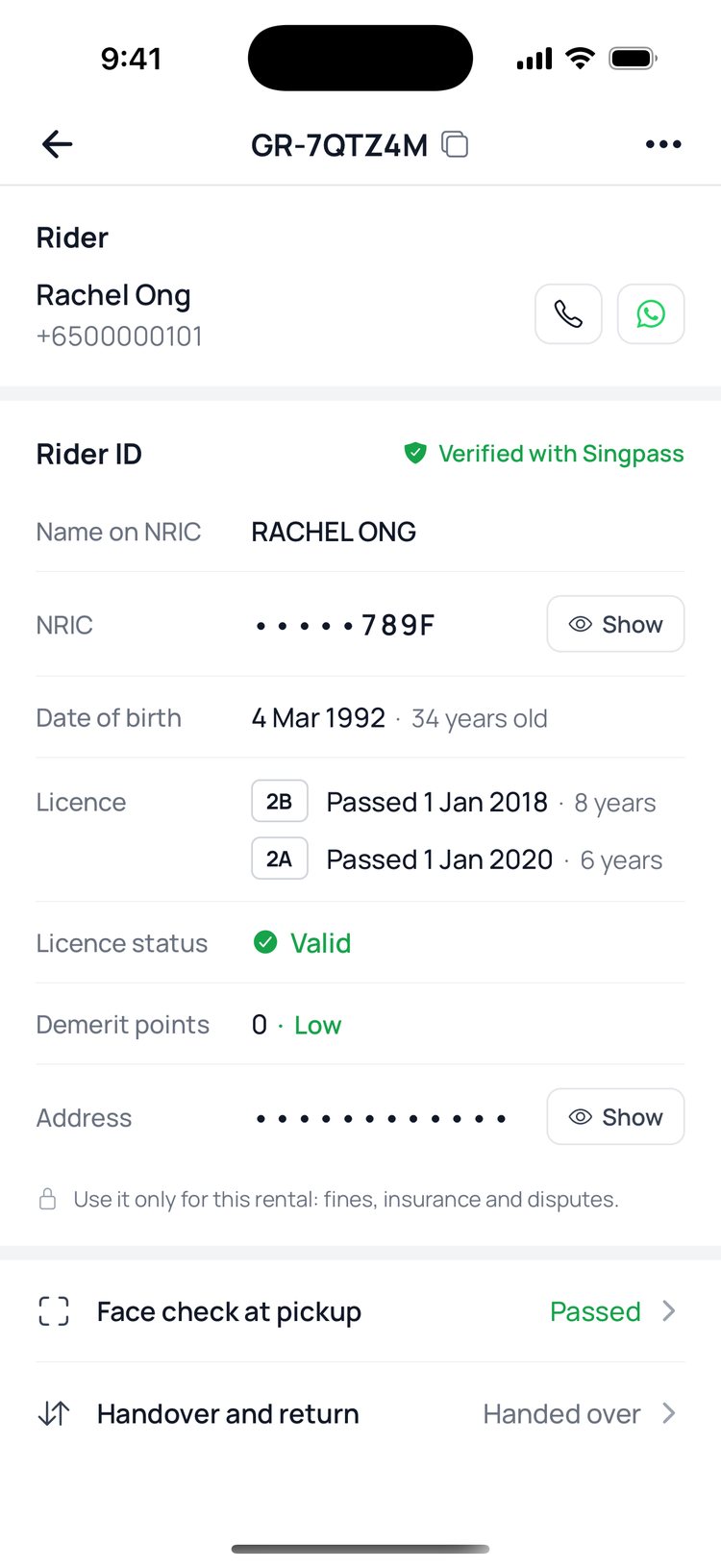
6. Calendar: search for any bike and block its dates right on the calendar.
Read the guide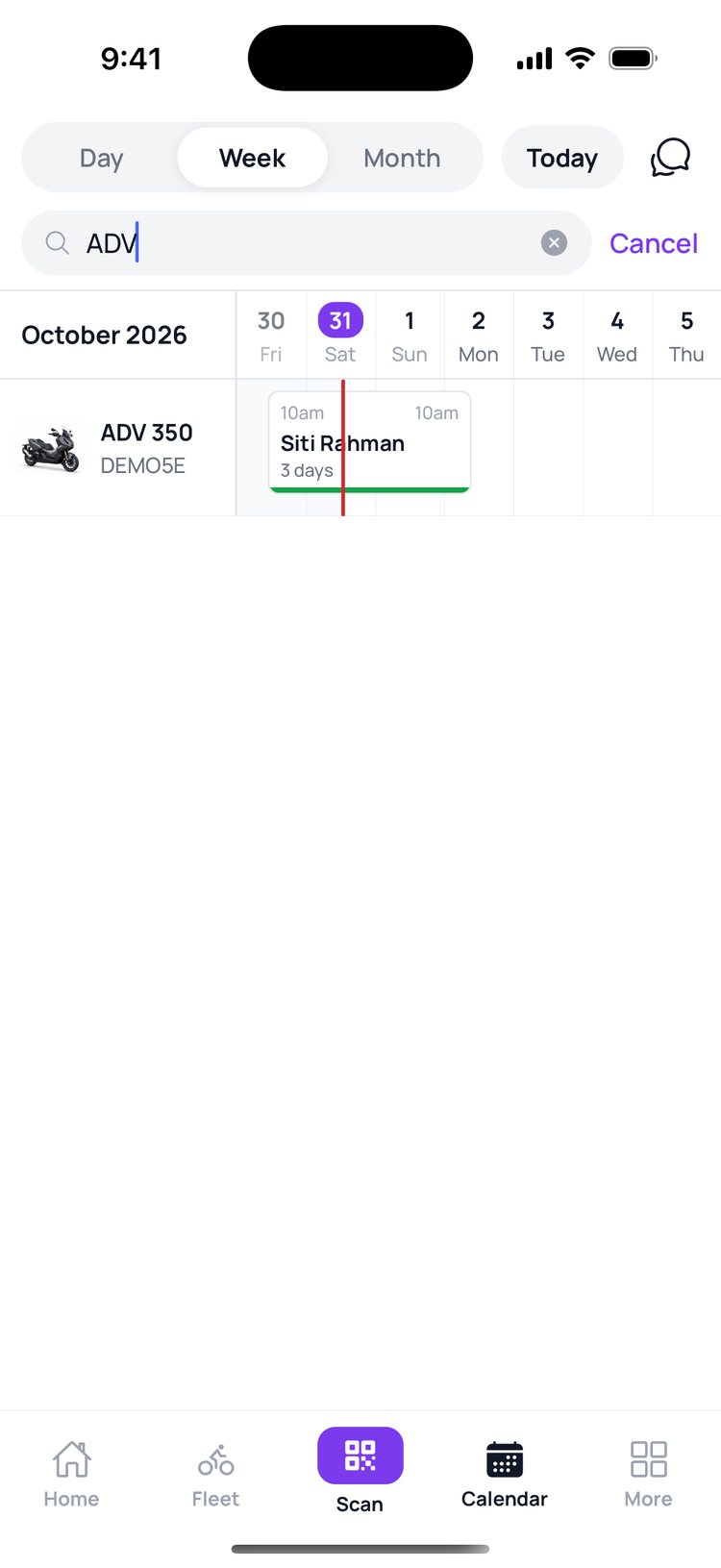
7. Bikes: add and edit your bikes, with photos, from your phone.
Read the guide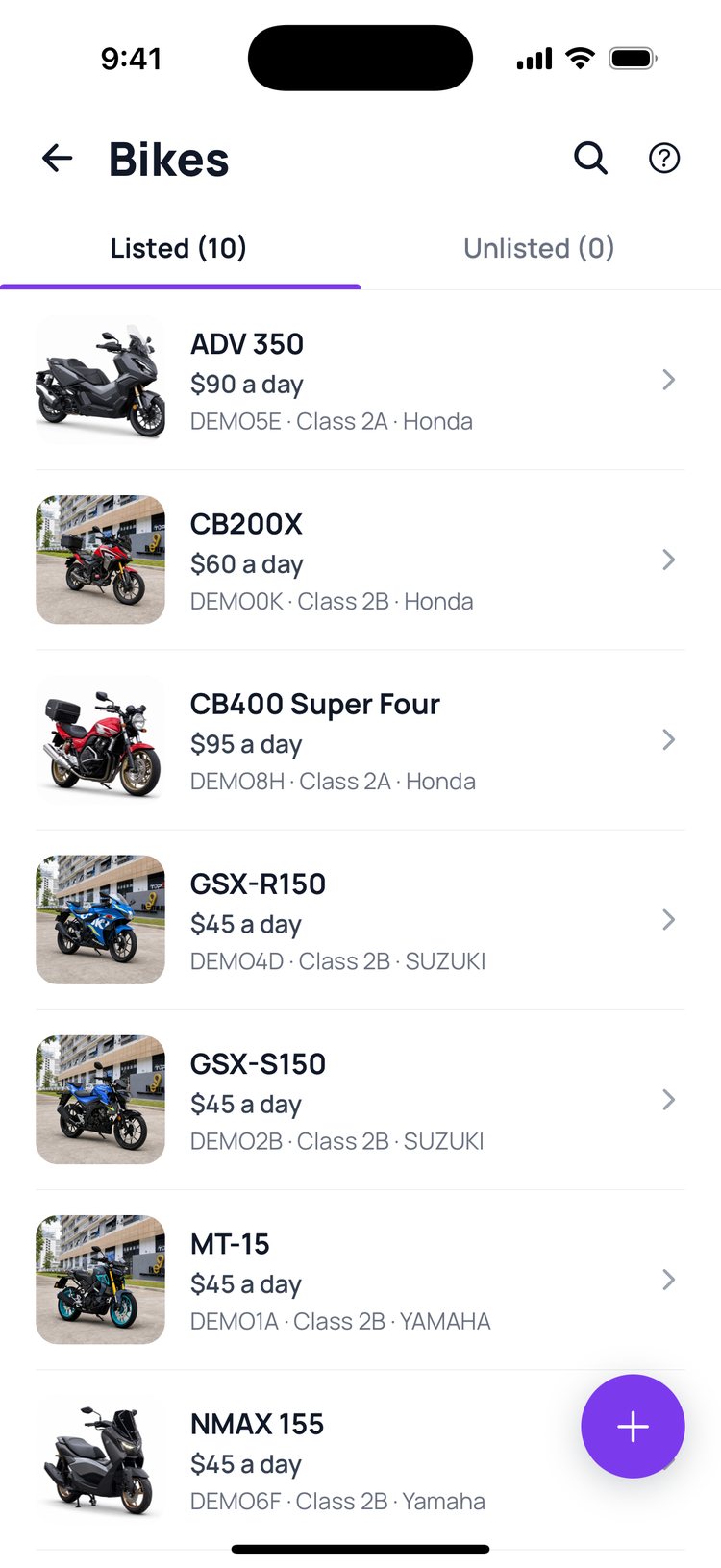
Still stuck? Message us on WhatsApp.
Questions
I don’t see the new squares
Update GoRent Partner from the App Store or Google Play, then open it again. The More tab shows v1.2.0 at the top right once you’re up to date.
Why can’t I see Earnings or Payouts?
Only the shop owner, and managers the owner allows to see earnings, can open them.
Do I still need the vendor portal?
Yes, for your team’s logins, exports and setting up Stripe. Everything you change in the app also shows in the vendor portal.