
Self-service
How self pickup works
At a self-service shop, riders collect their bike on their own, at any time, with nobody at the counter. Here’s what your rider does in the GoRent app, and what you see in GoRent Partner.
How it works:
From 30 minutes before pickup, the rider taps ‘Start Booking’. They sign your rental agreement, pass a face check, scan the QR sticker on the bike’s OBU and photograph the bike. The rental starts straight away and you get an alert.
What your rider does
1. From 30 minutes before pickup, your rider taps ‘Start Booking’.
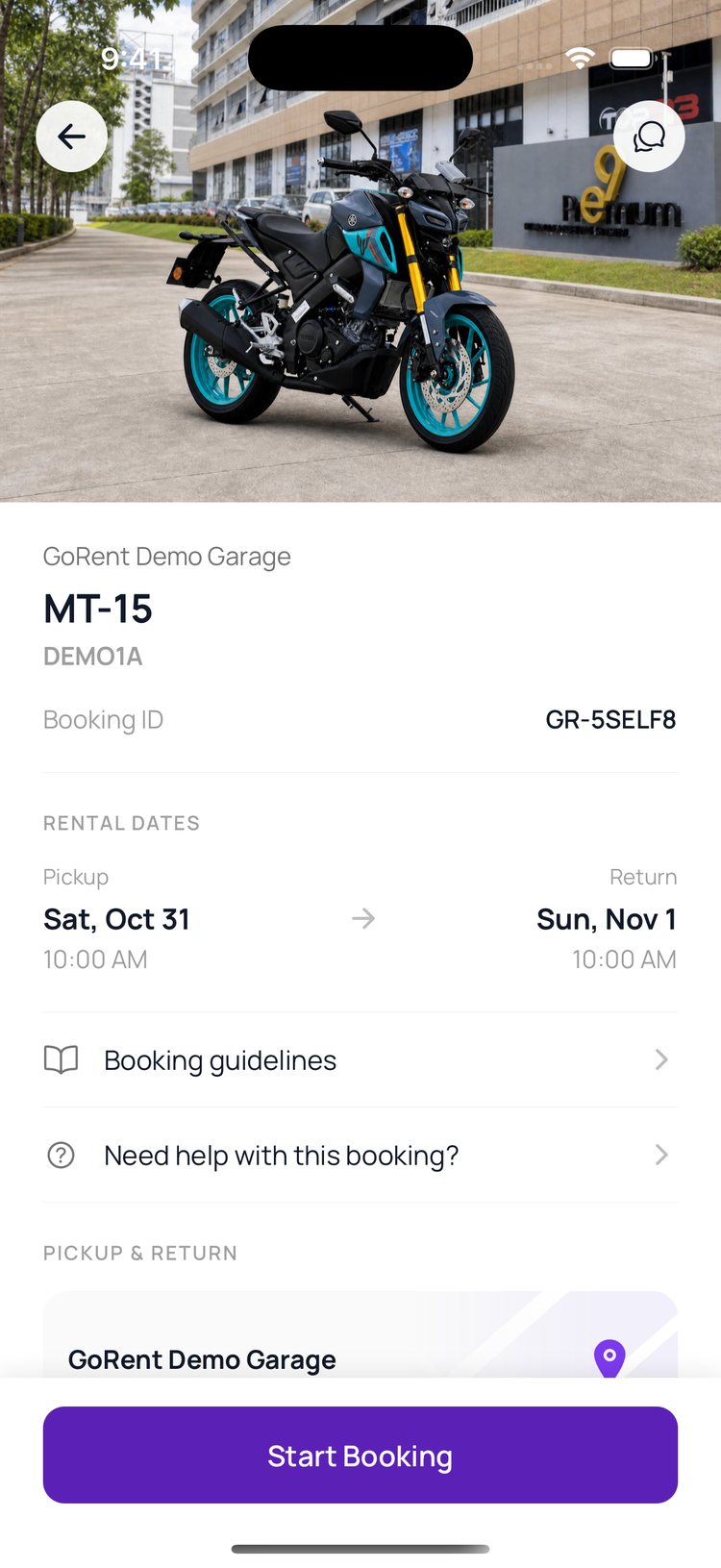
2. They read your rental agreement and slide to agree.
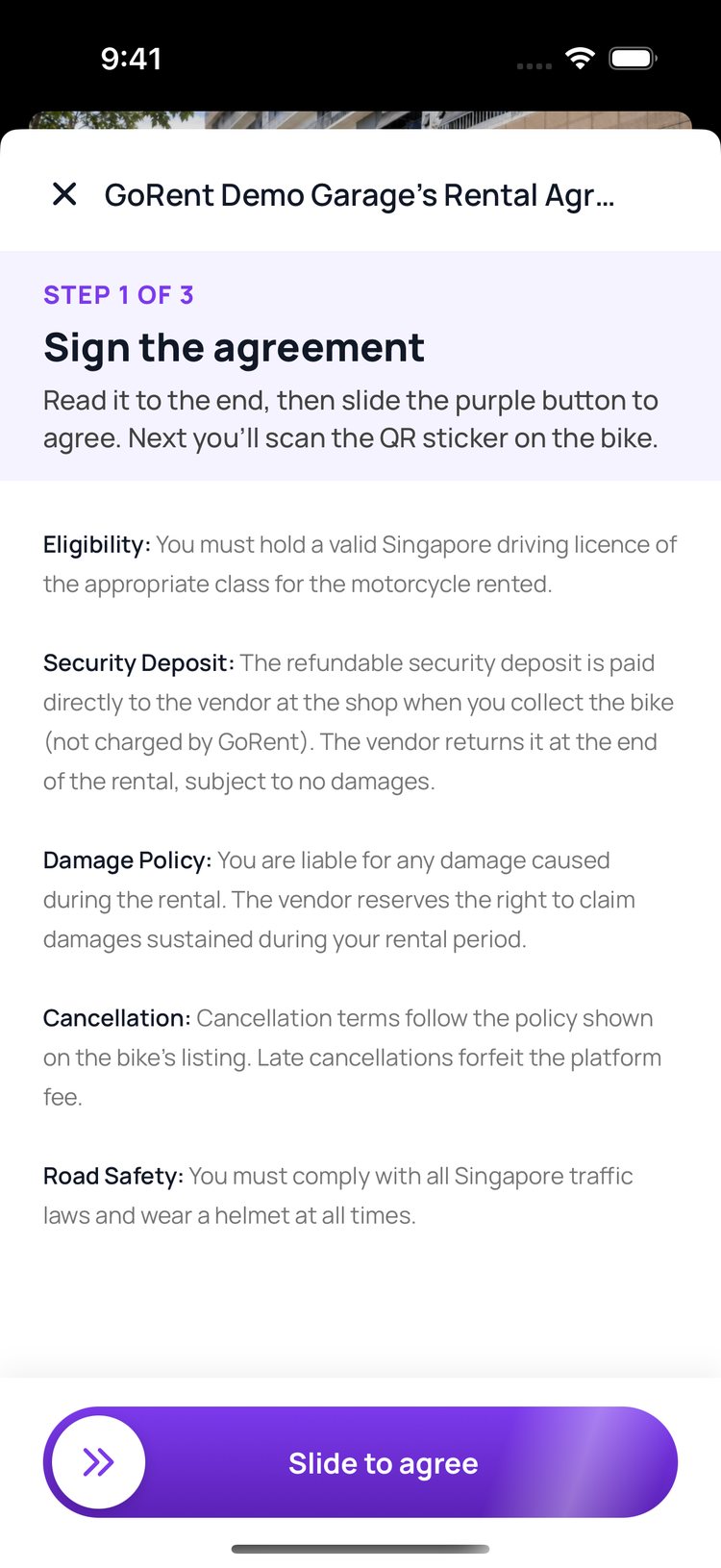
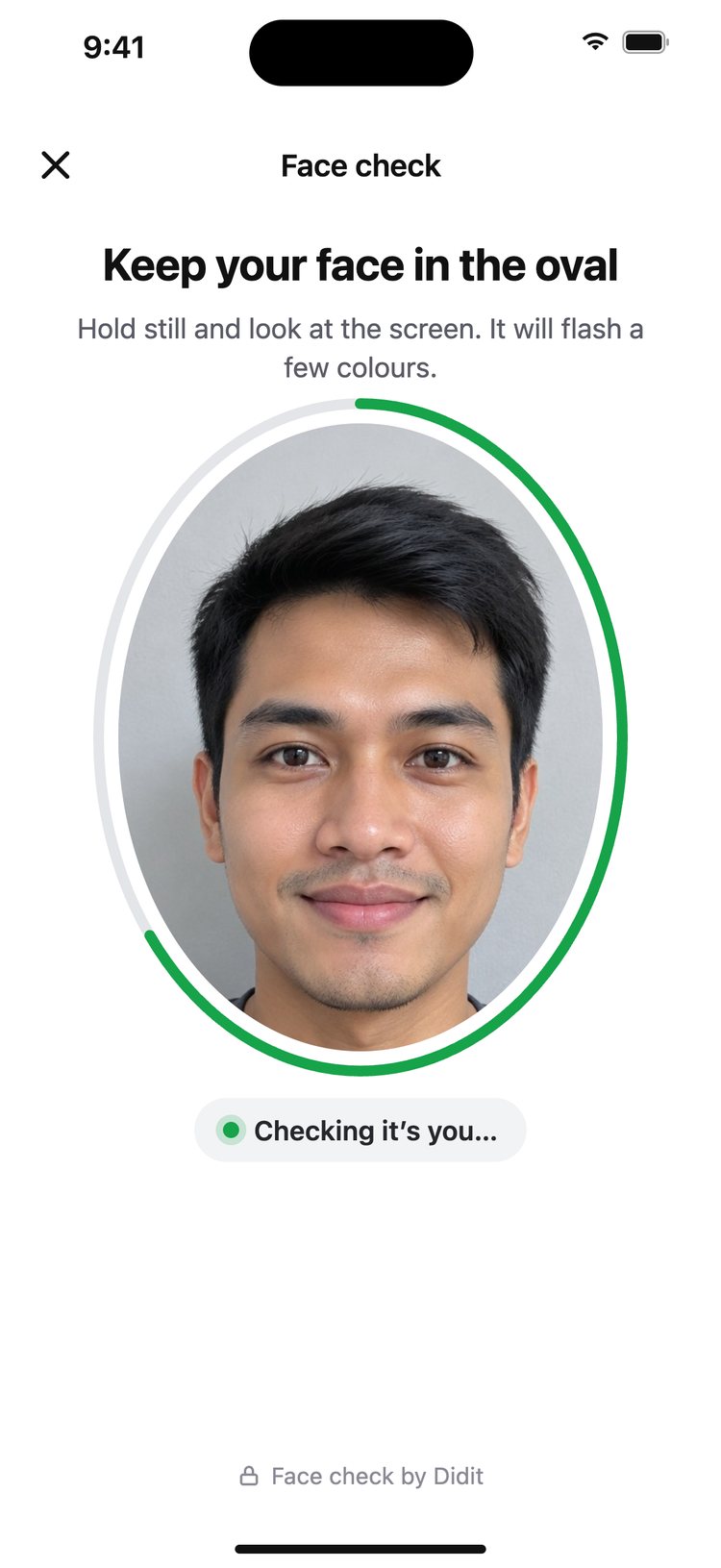
3. They pass a quick face check by Didit: a live selfie matched to the face saved on their account.
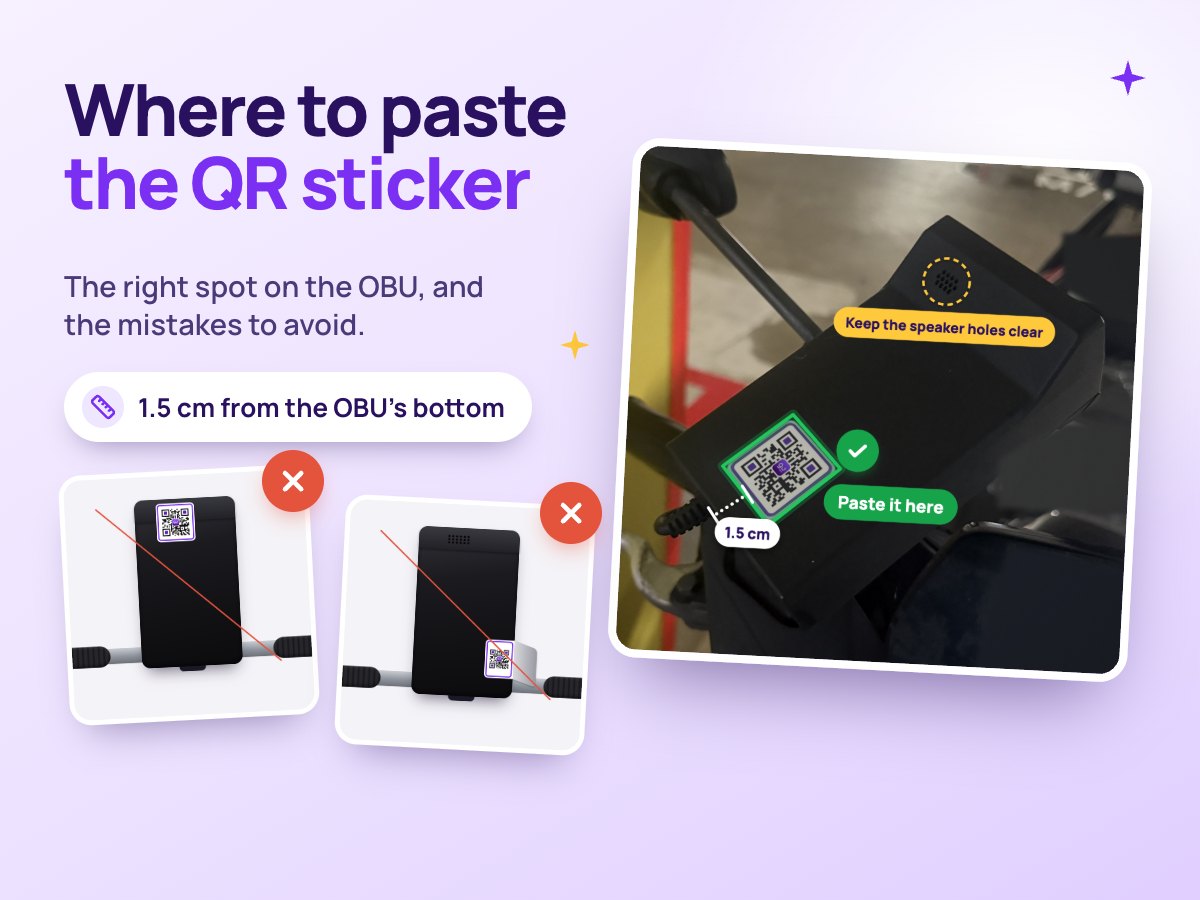
4. Then the app shows them where the sticker is.
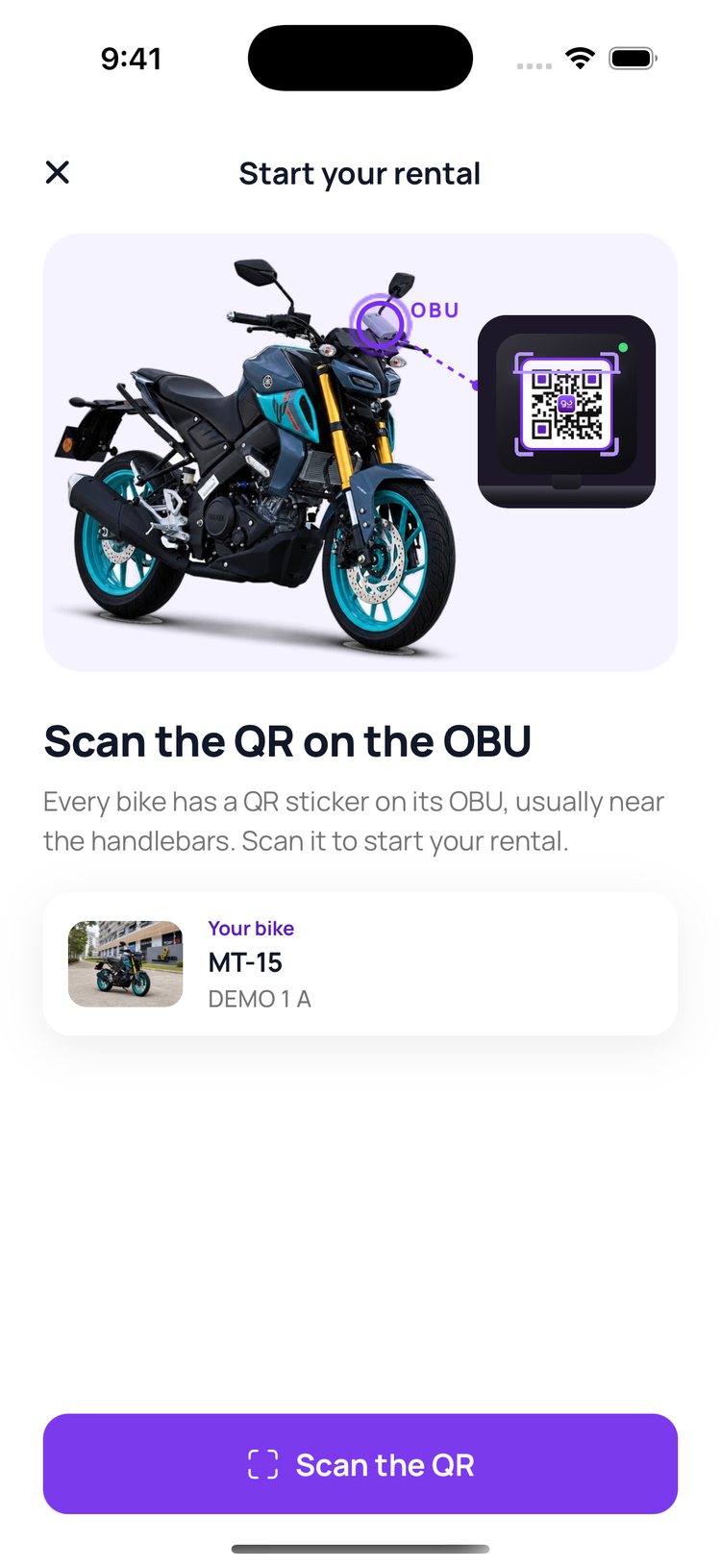
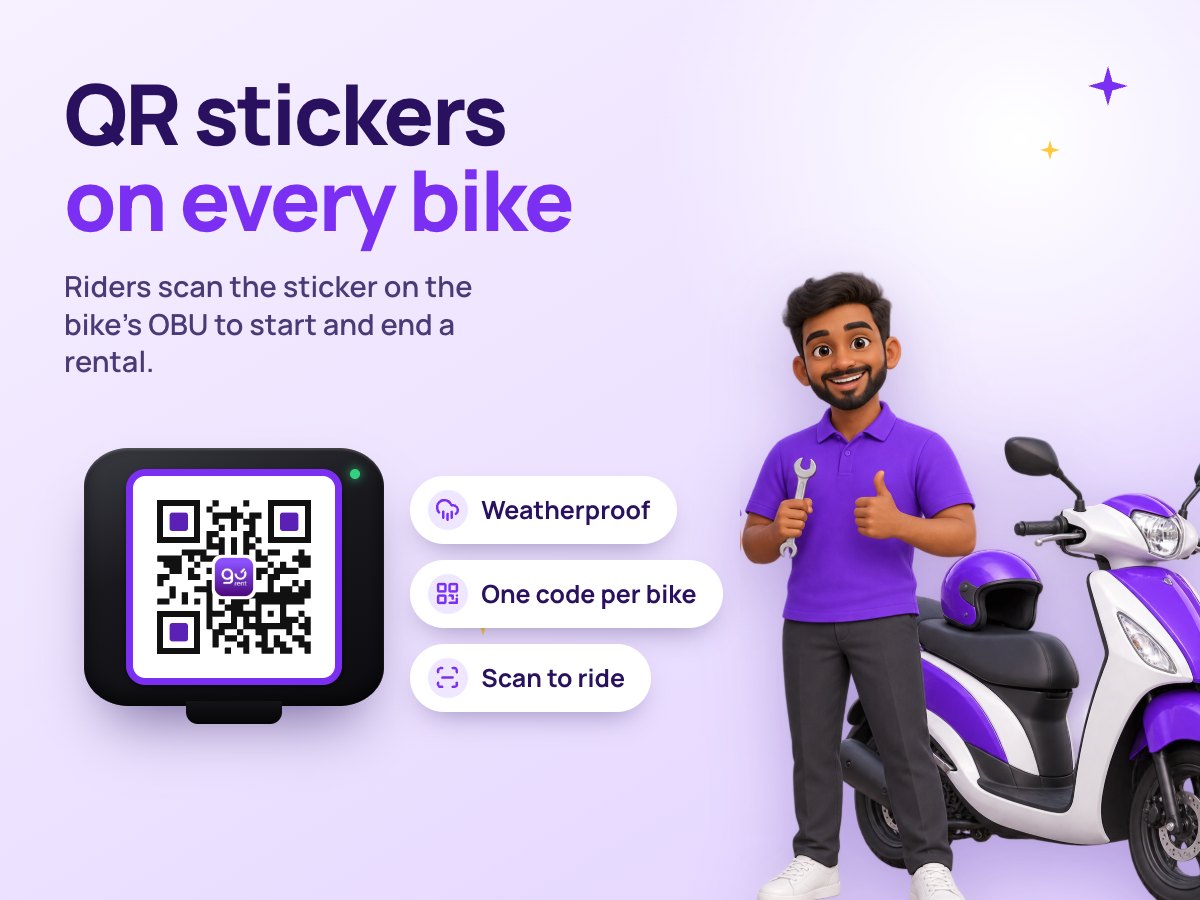
5. They scan the QR sticker on the bike’s OBU.
Read the guide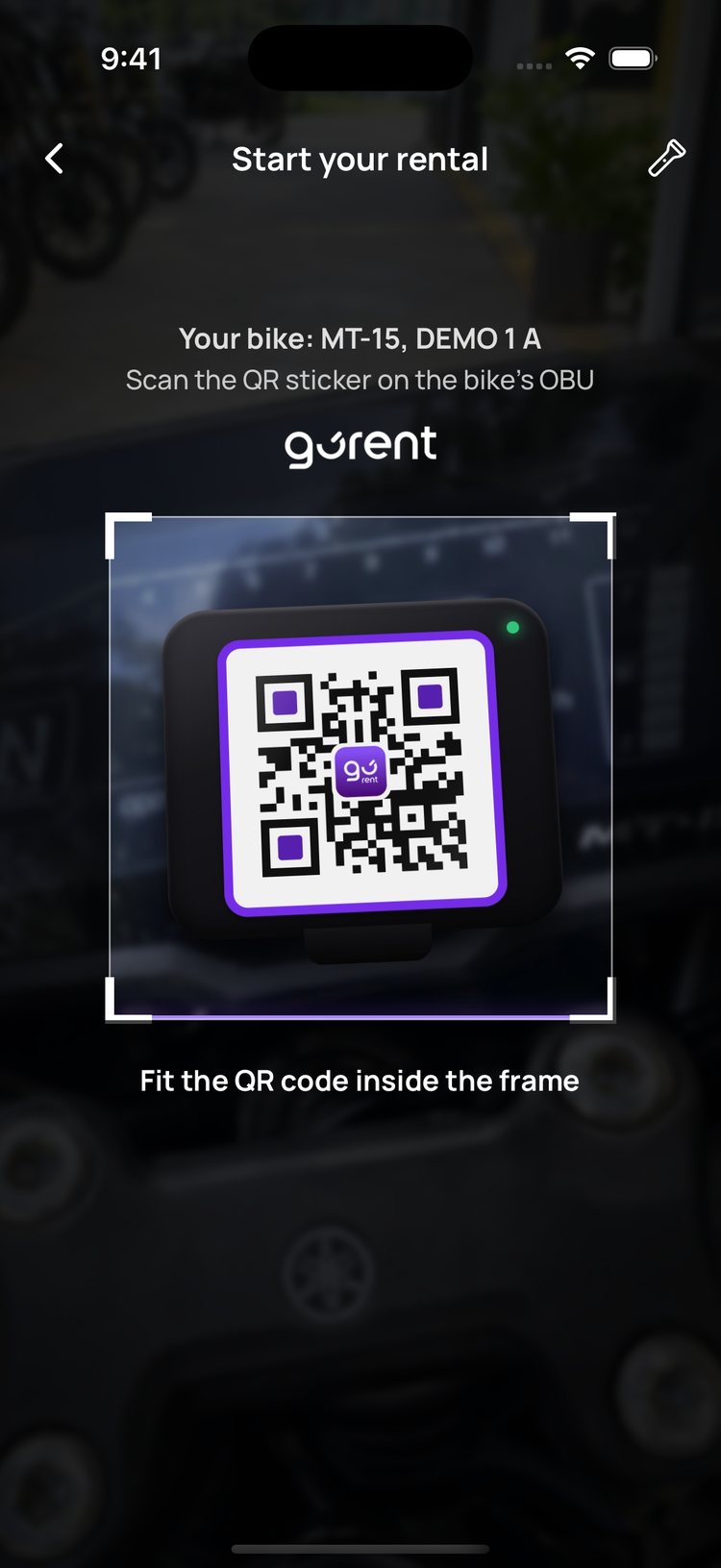
6. The app checks it’s the bike they booked, then asks for photos.
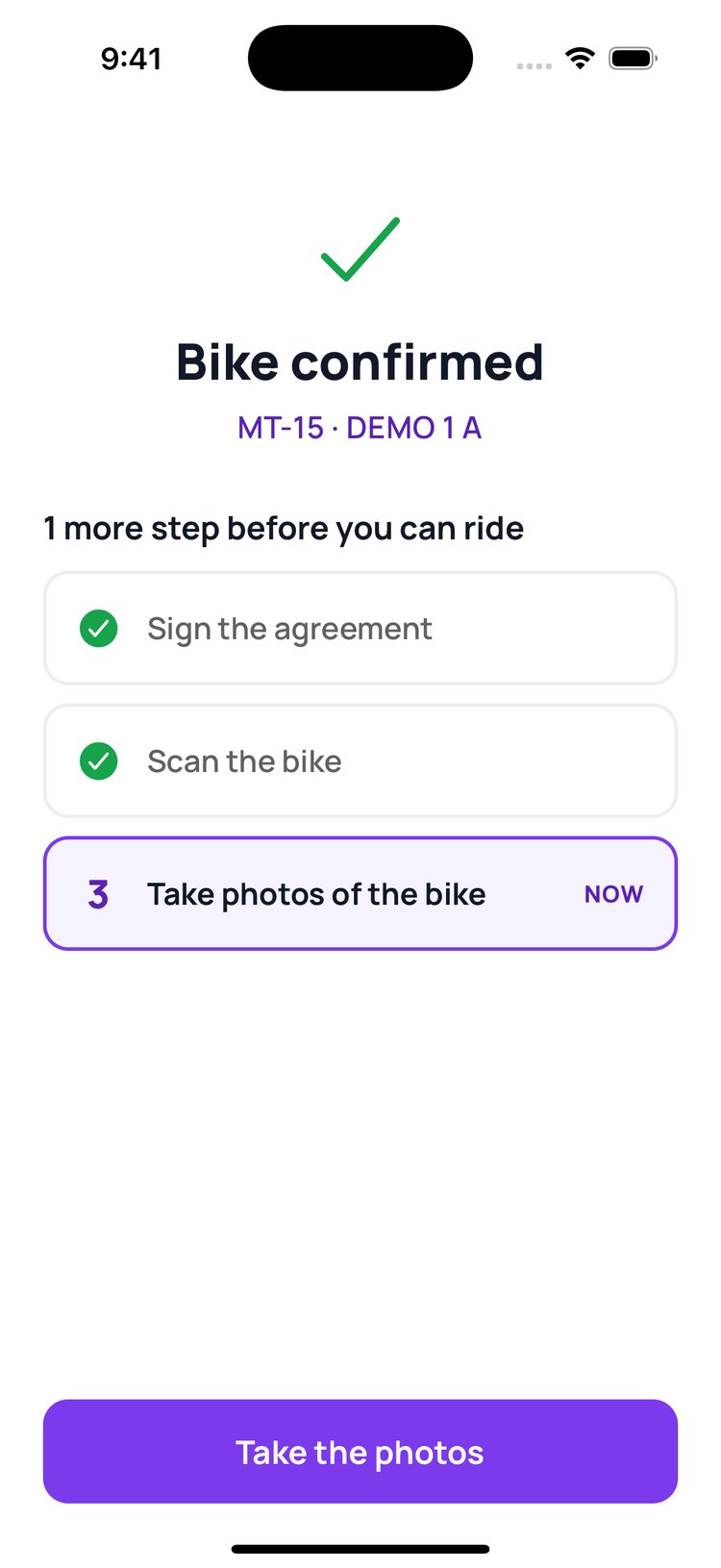
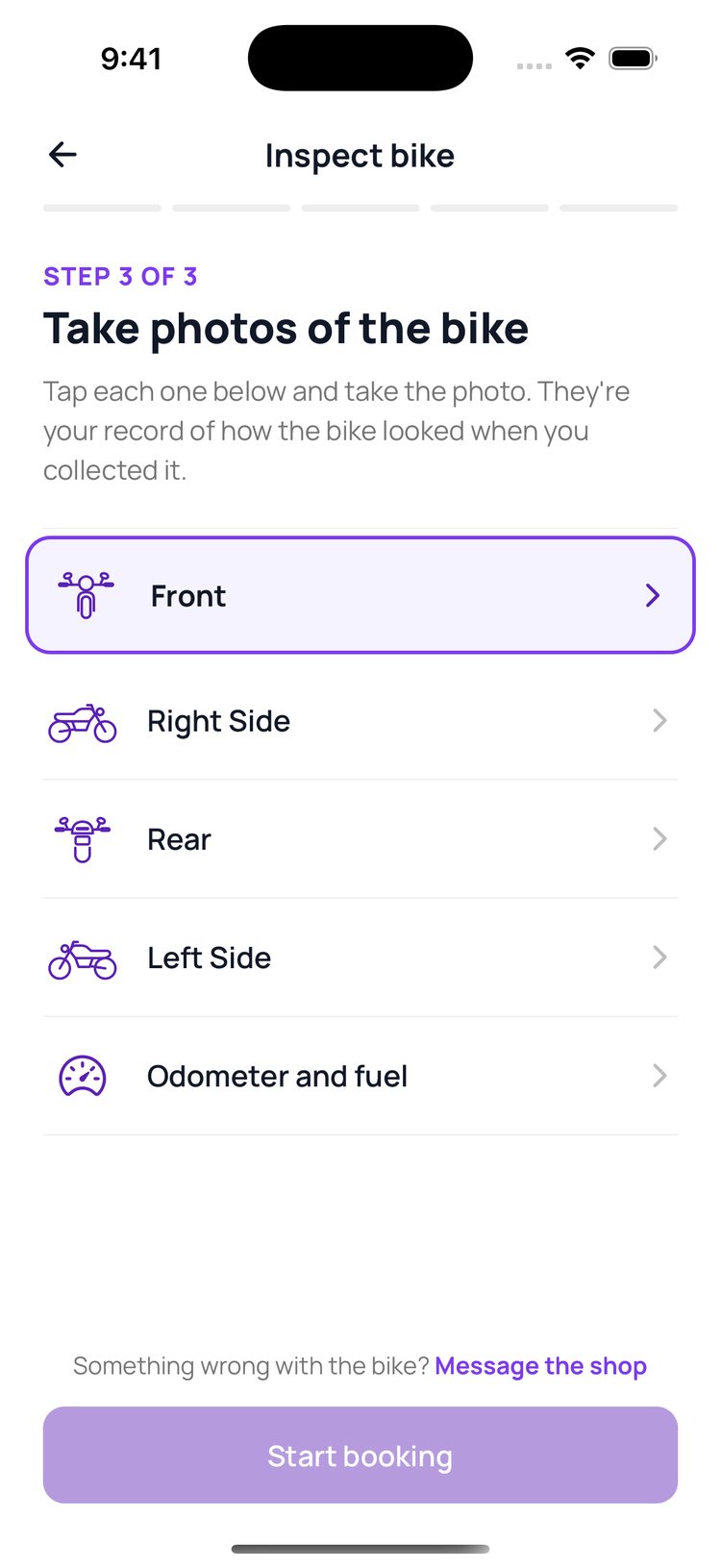
7. They photograph each side of the bike and the odometer.
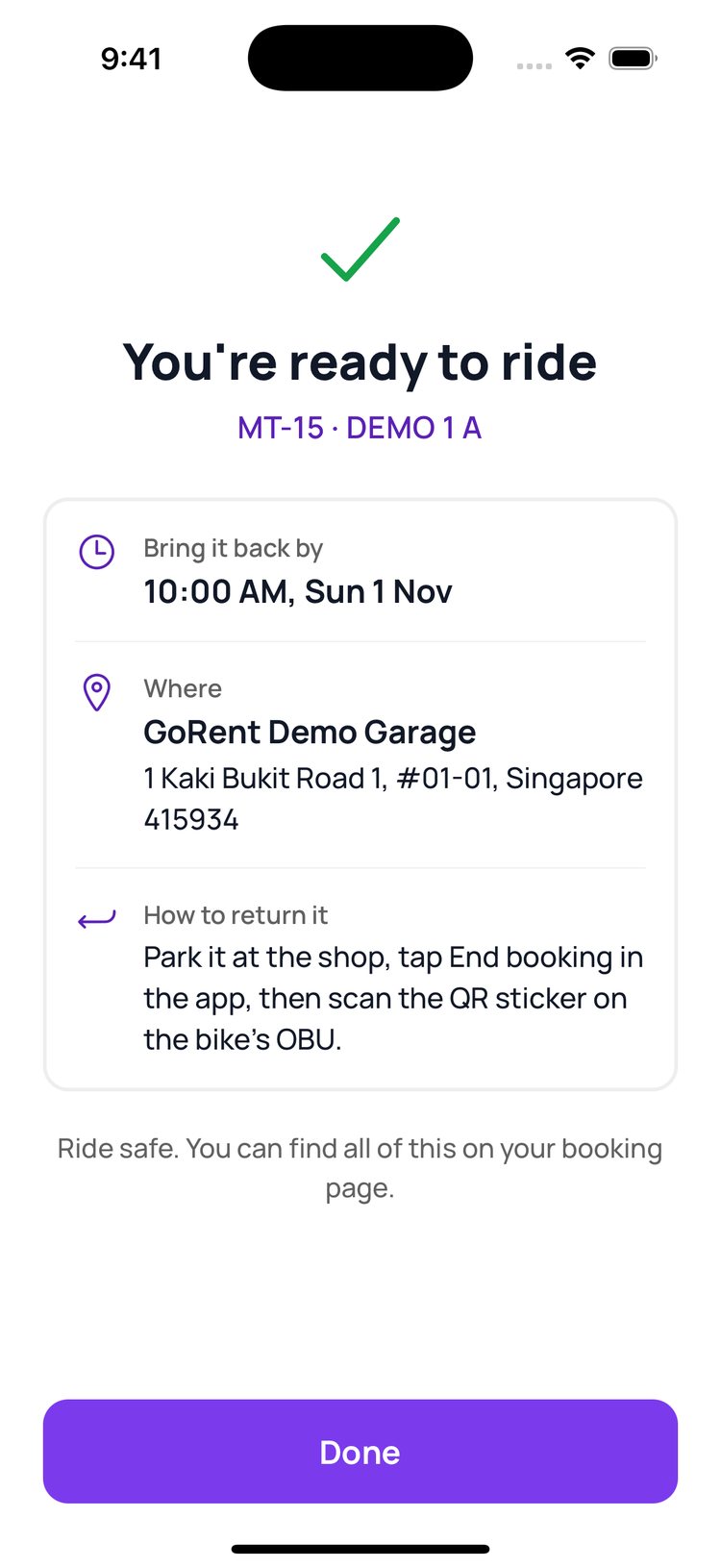
8. Ready to ride. The app tells them when and how to bring it back.

What you see in GoRent Partner
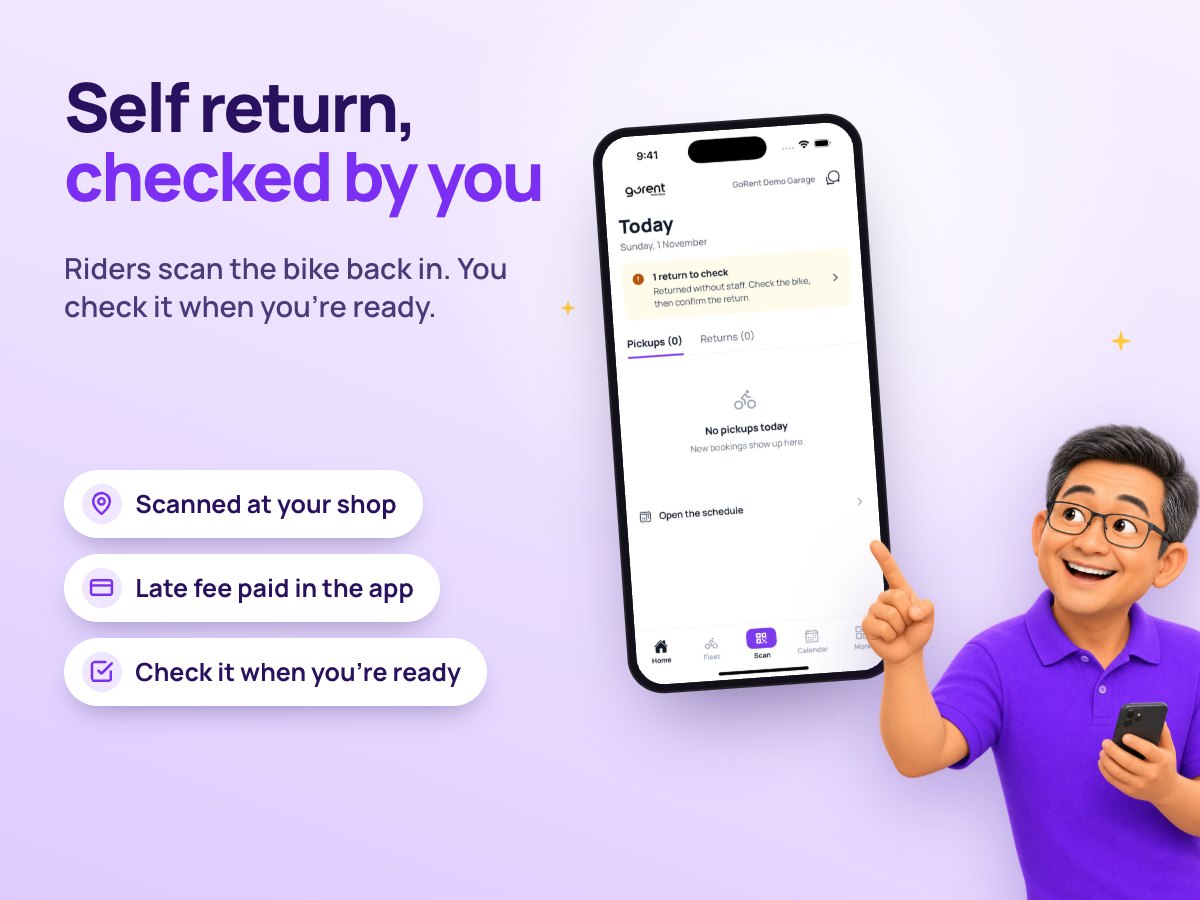
1. You get a ‘Bike Picked Up’ alert.
Read the guide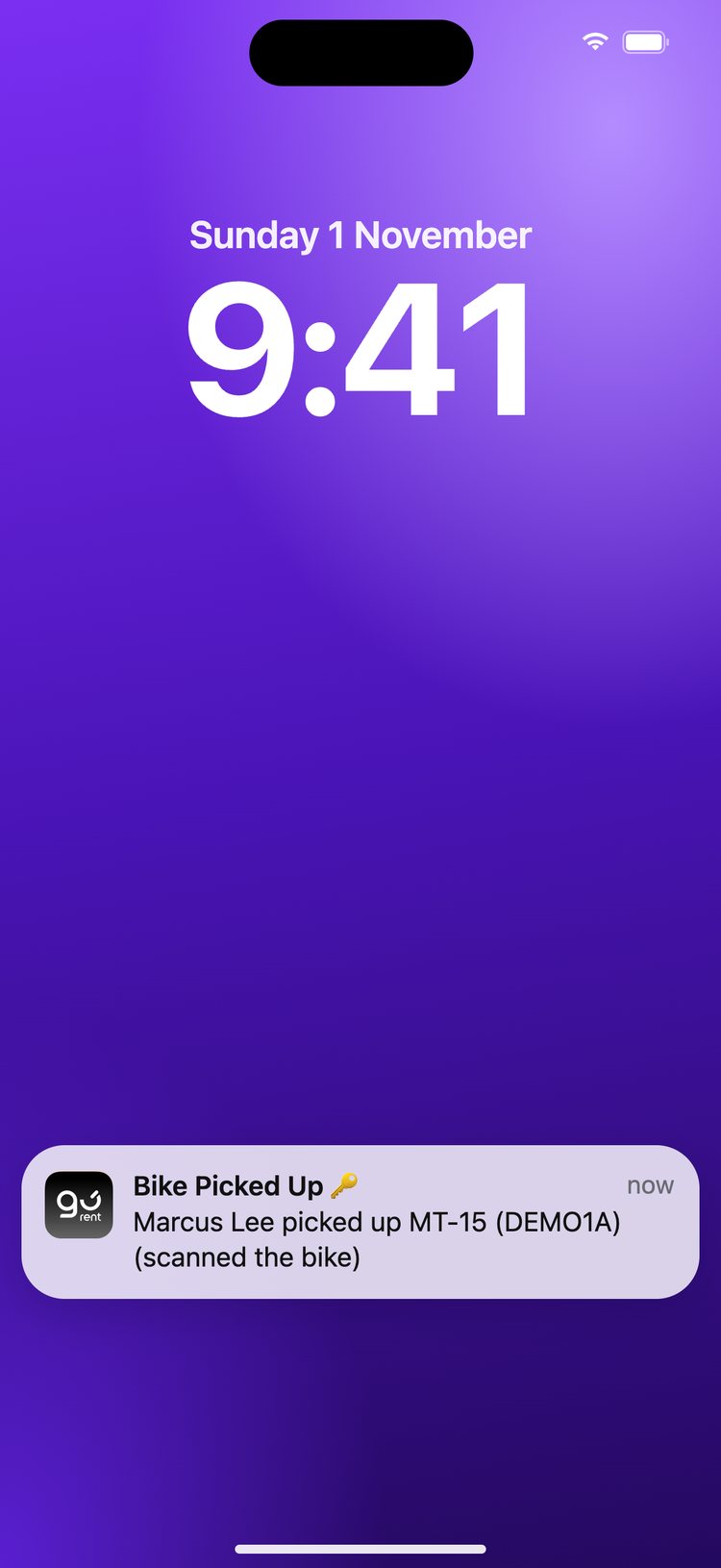
2. The booking now shows ‘On the road’.
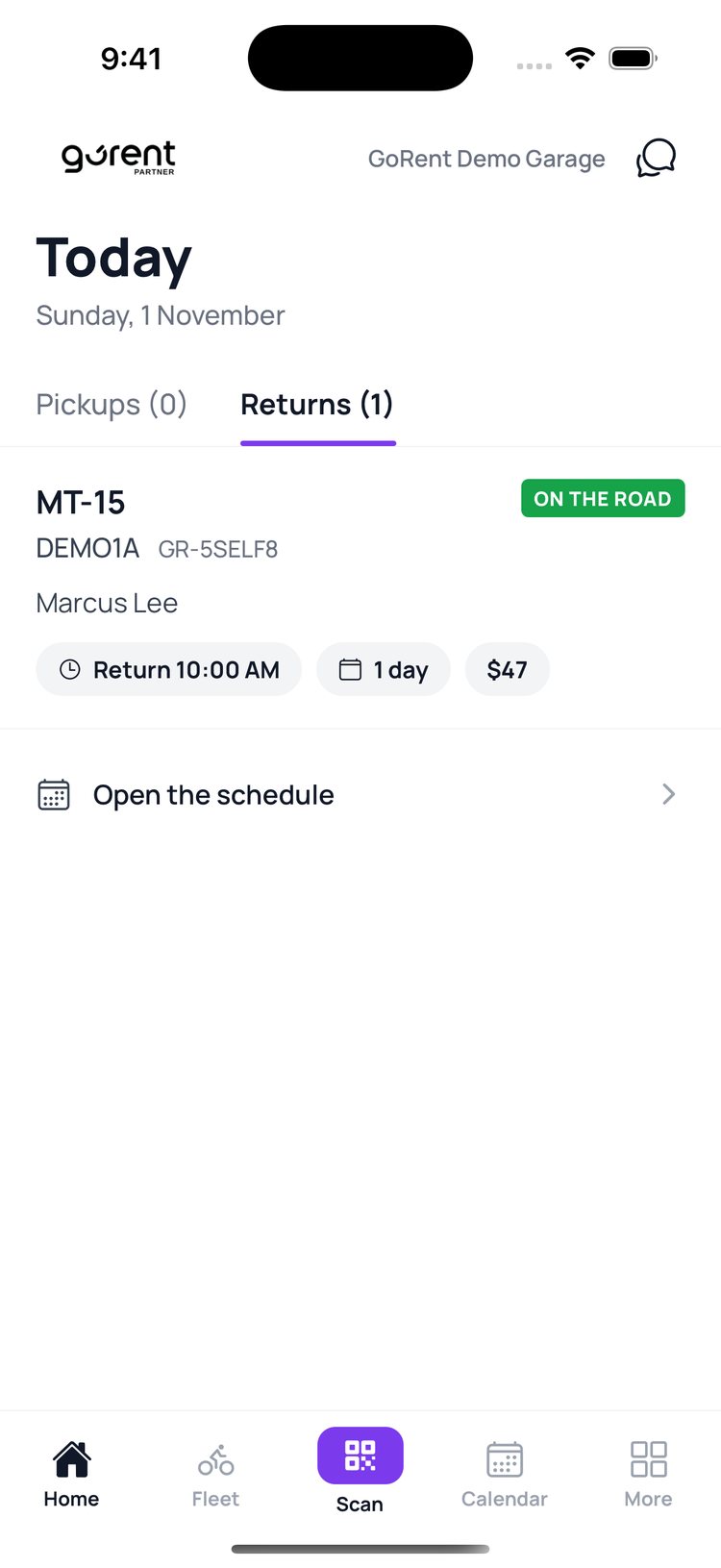
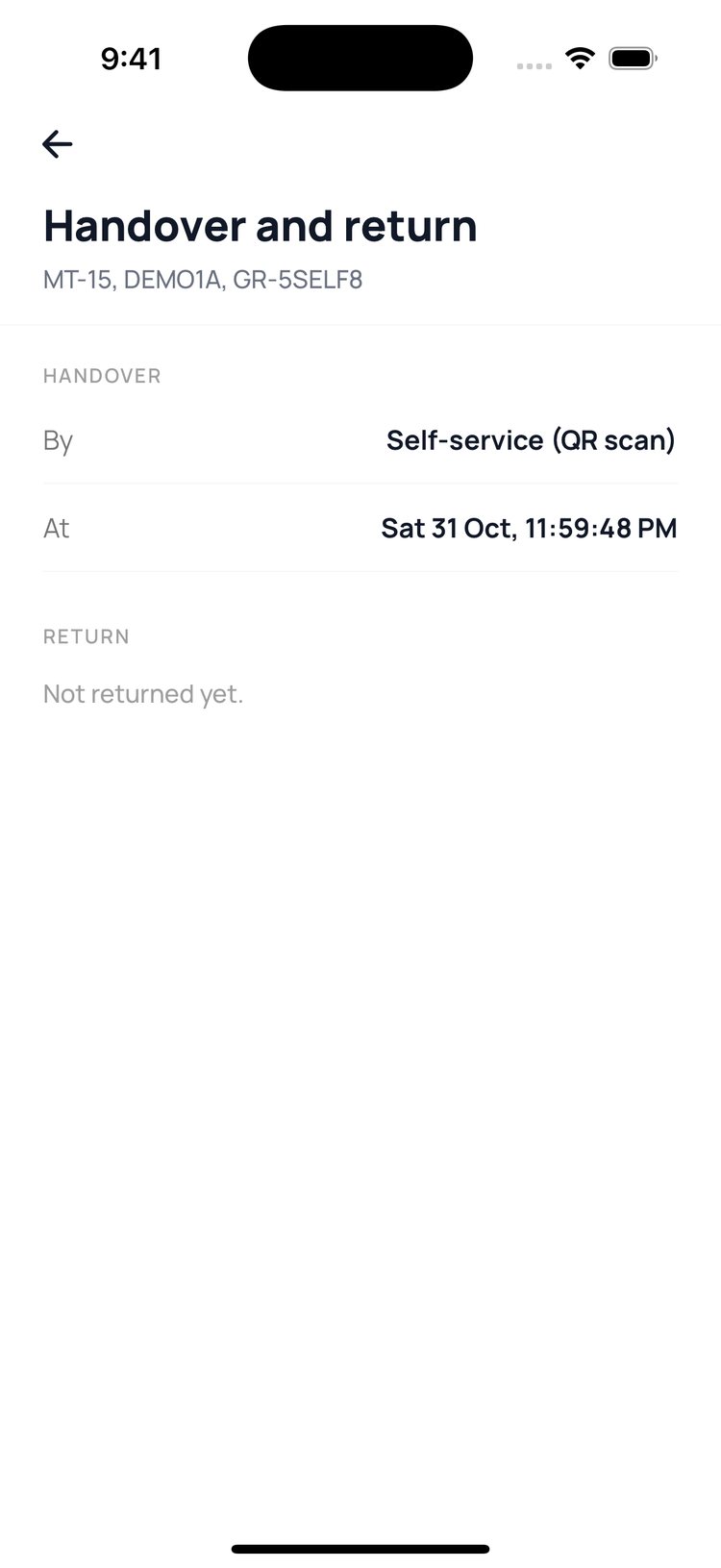
3. On the booking, ‘Handover and return’ shows a self-service pickup, to the second.
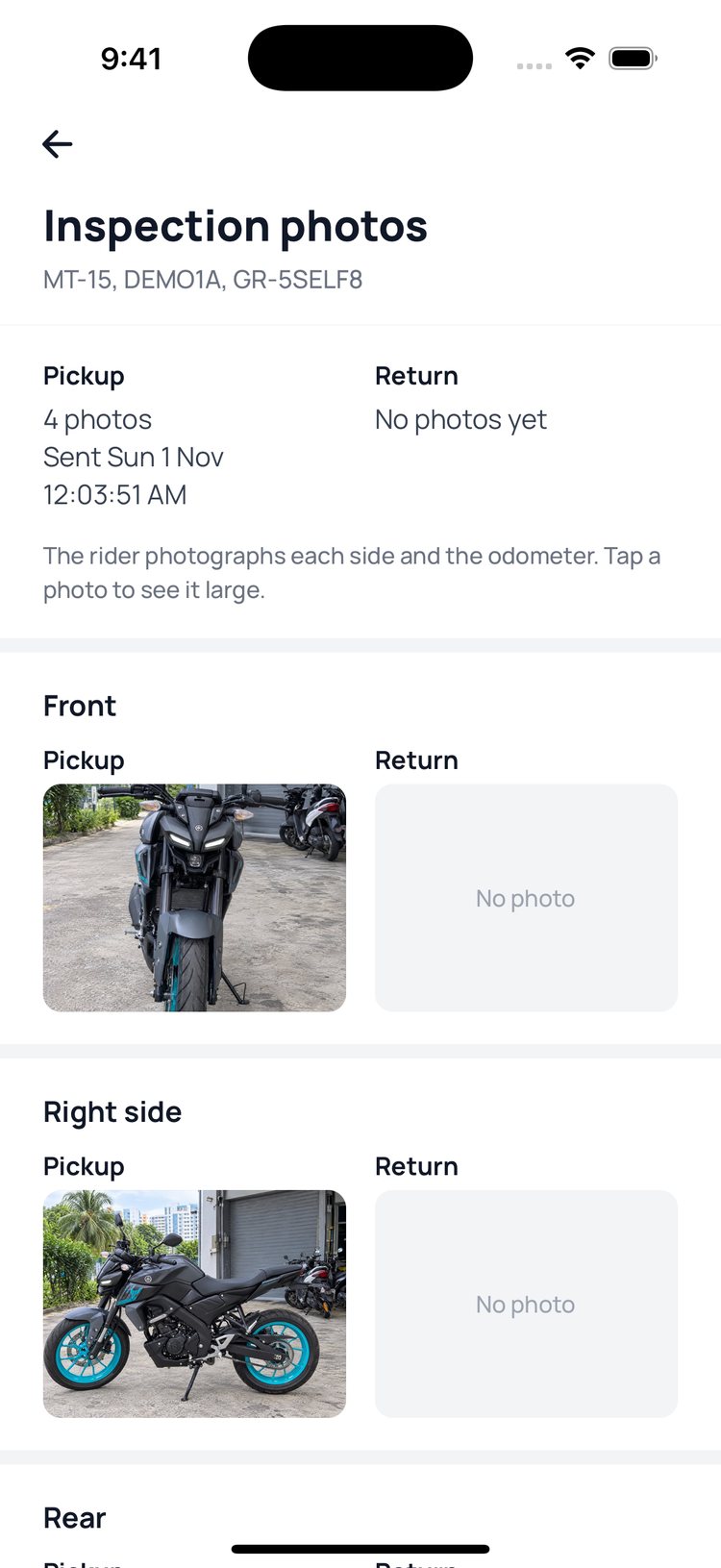
4. ‘Inspection photos’ has the rider’s photos of the bike.
5. ‘Face check at pickup’ shows the rider’s saved face beside their selfie, and whether it passed.
Read the guide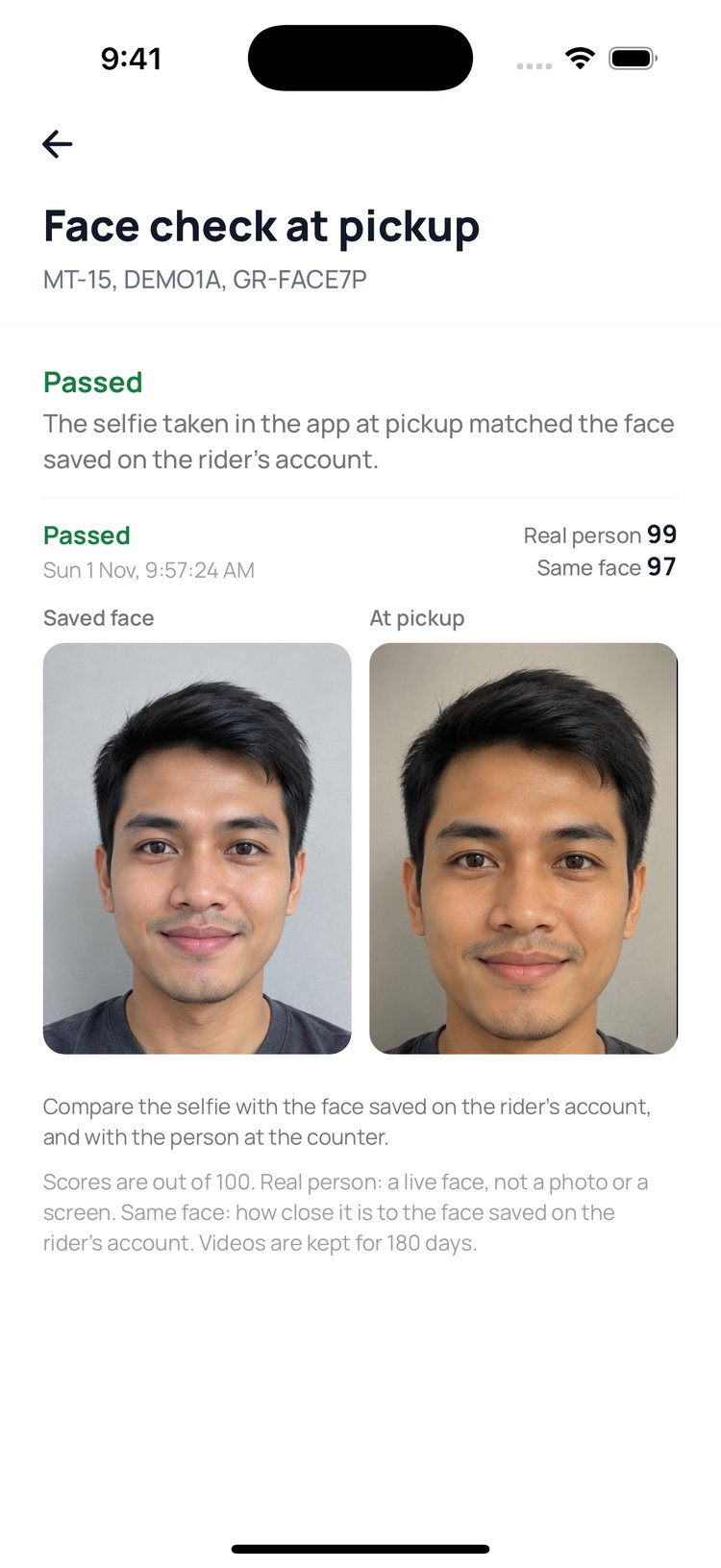
To hear about every pickup, switch on ‘Self pickup’ in More, then Booking alerts.
Still stuck? Message us on WhatsApp.
Questions
How do I turn on self-service?
Message us on WhatsApp. GoRent switches it on for your shop and puts a QR sticker on each bike’s OBU.
When can riders pick up?
Riders can book any pickup time, day or night, and start from 30 minutes before it. Your gap between rentals still applies.
What if the face check fails?
The rider can’t collect the bike. After 3 failed tries they can try again in 15 minutes, and you’ll see every try on the booking.
What if the rider scans the wrong bike?
The app won’t start the rental. It tells them the plate of the bike they booked.
Can a rider type the plate instead of scanning?
No. The sticker is the only way to start a self-service rental, so keep every sticker clean and easy to see.