
Self-service
Where to paste the QR sticker
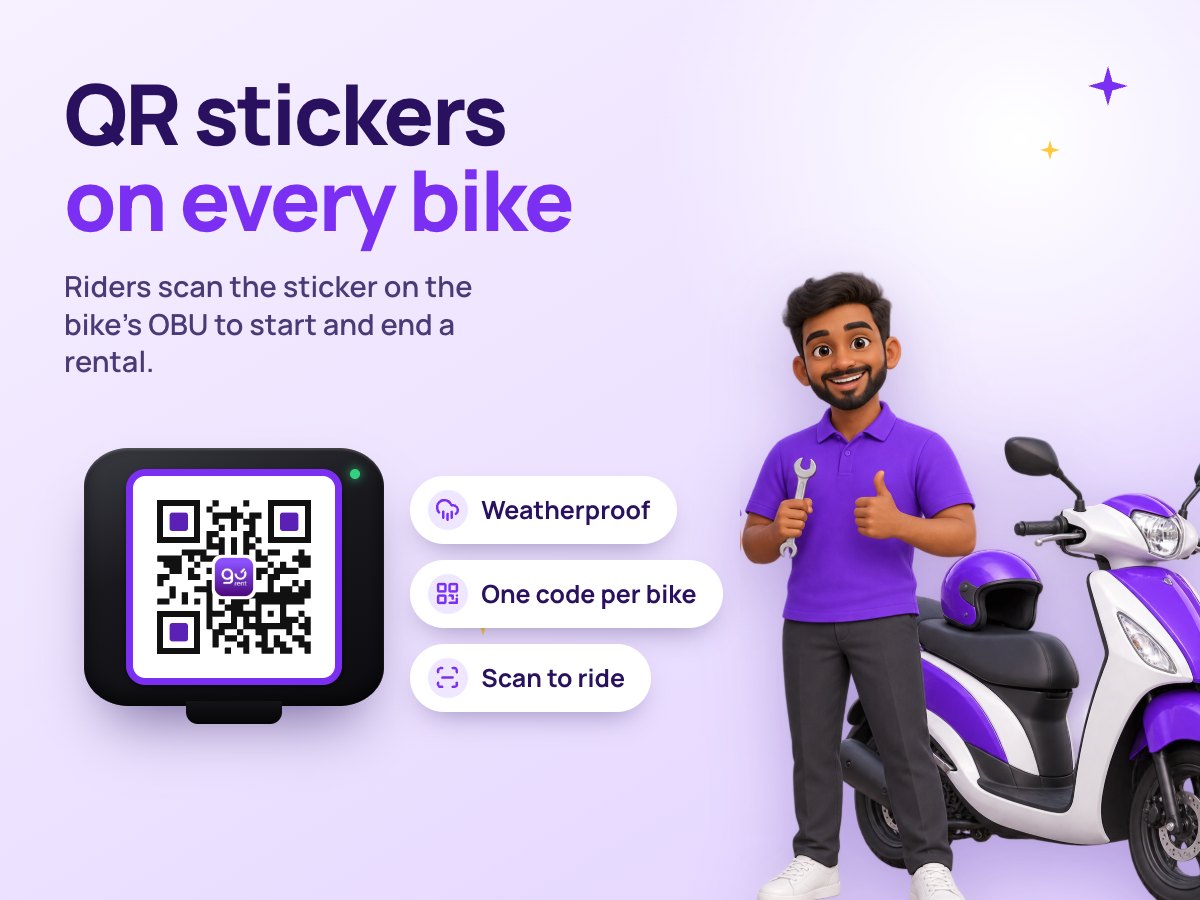
Each bike’s QR sticker goes on the face of its OBU. In the right spot, riders scan it first time, day or night.
How it works:
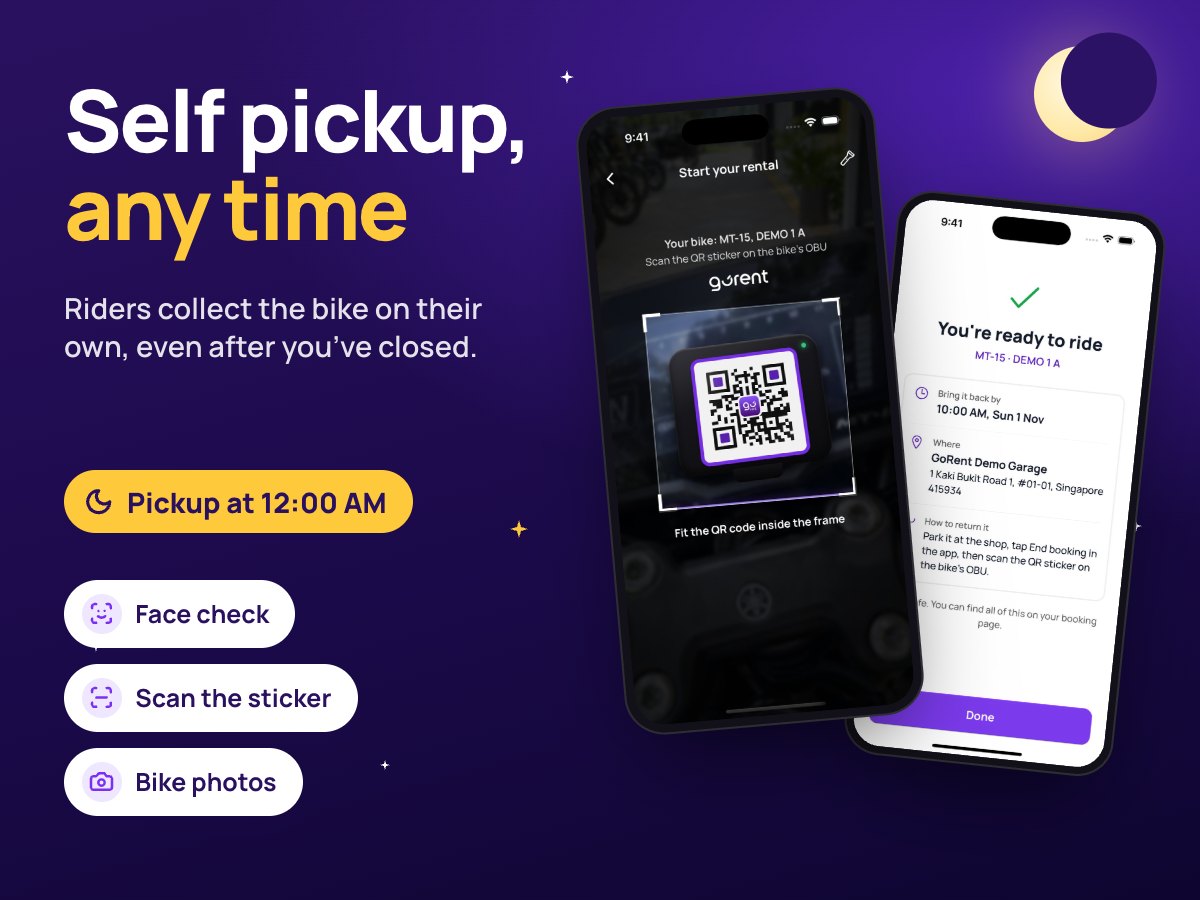
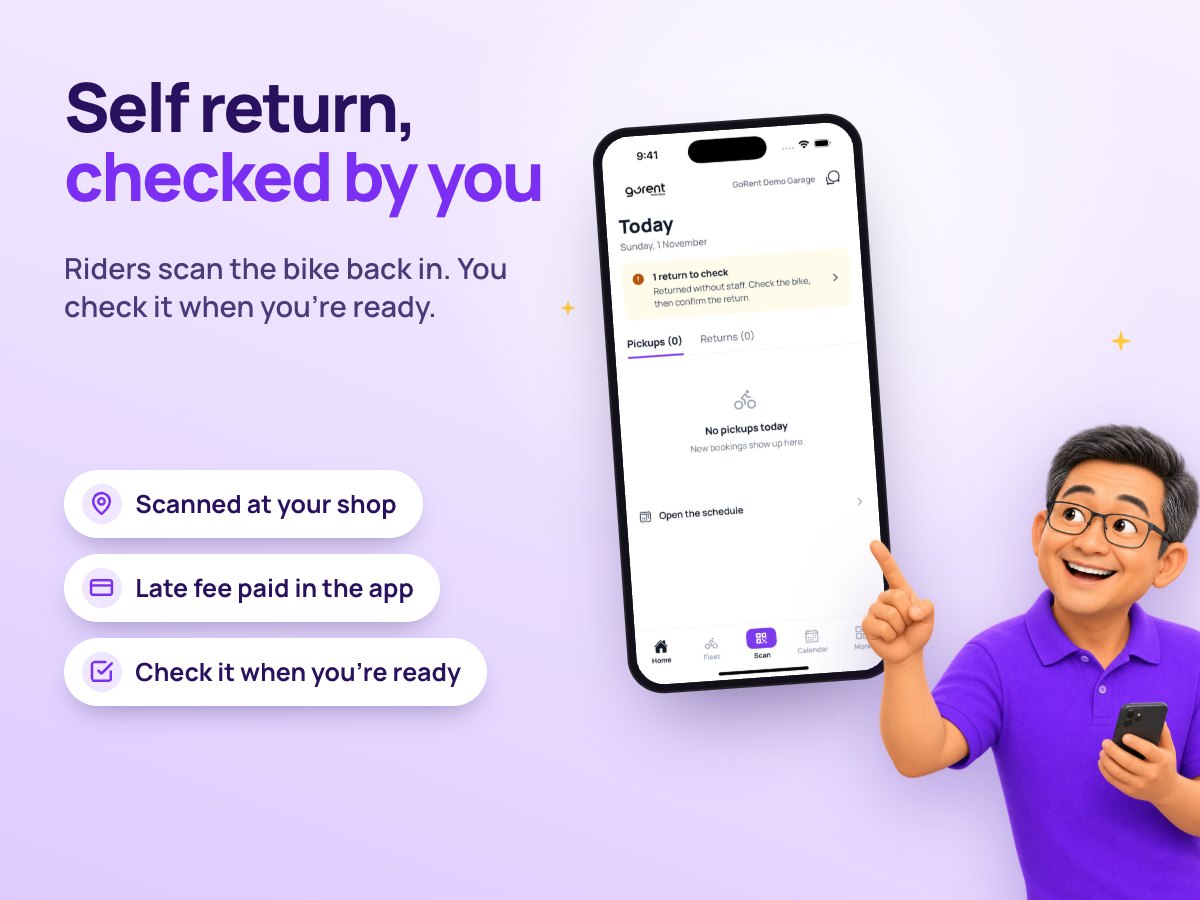
Riders scan the sticker to start and end every self-service rental, and they can’t type the plate instead. So the sticker has to be easy to see, flat and clean, on the OBU of the bike it belongs to.
The right spot
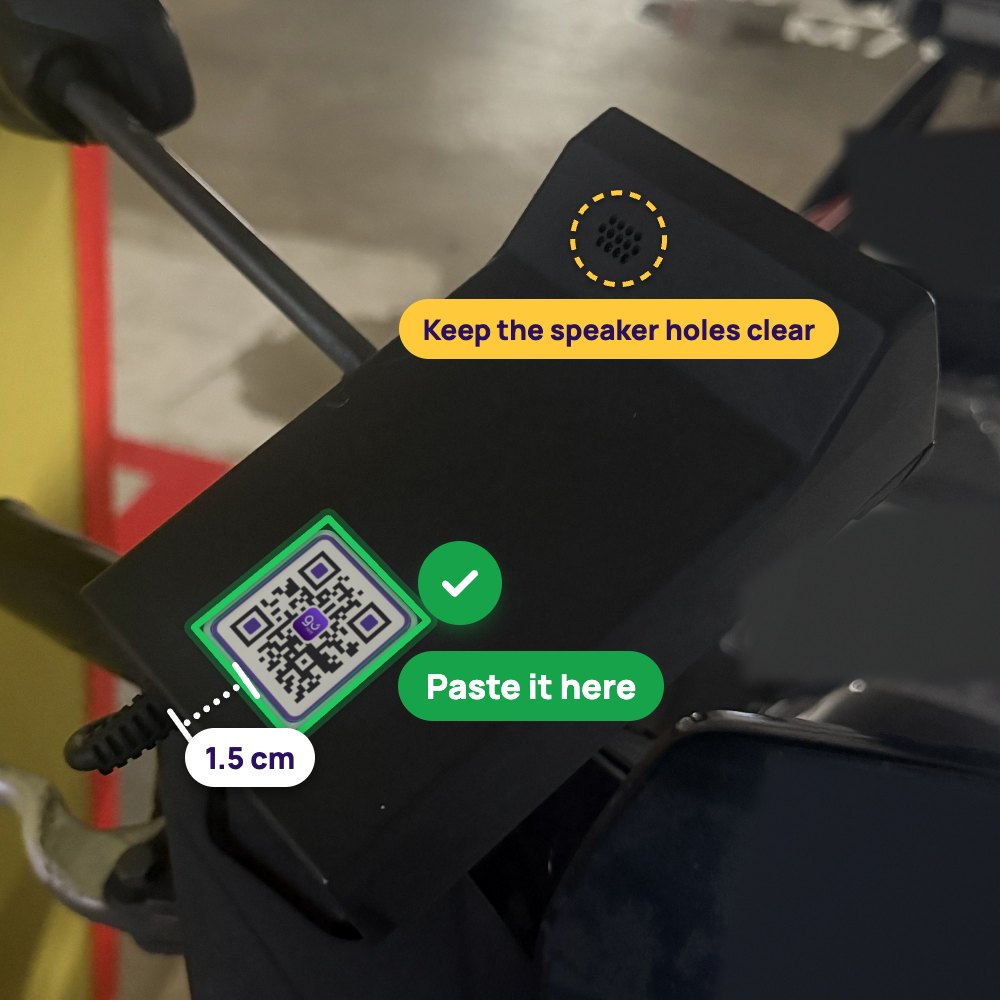
- On the OBU’s flat face, about 1.5 cm from its bottom edge
- Centred and straight, with space all round
- Clear of the speaker holes at the top
- Facing up, so a rider standing beside the bike can scan it
How to paste it
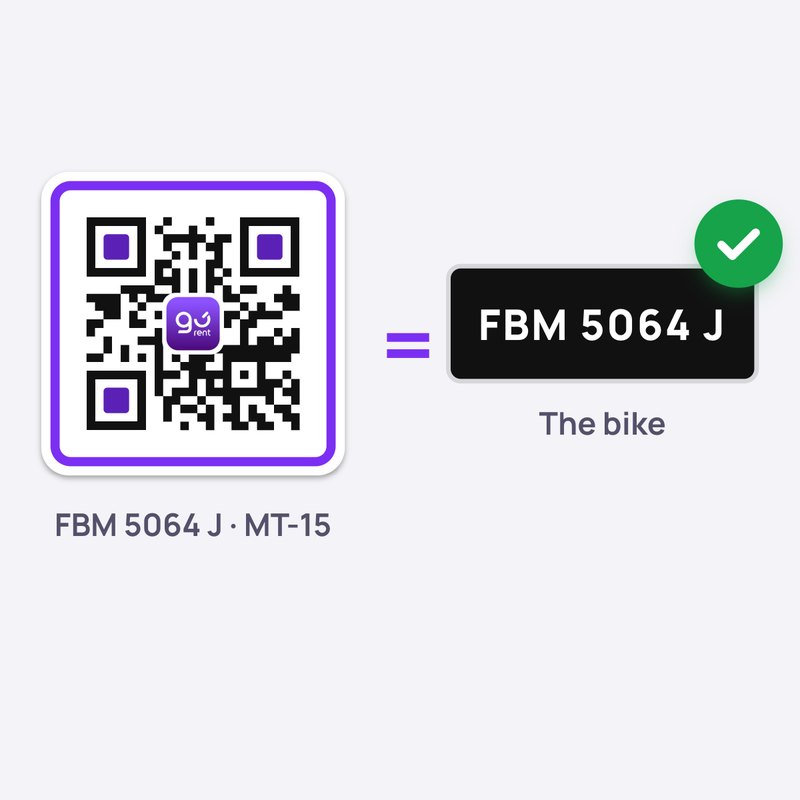
1. Match the plate printed under the sticker to the bike.
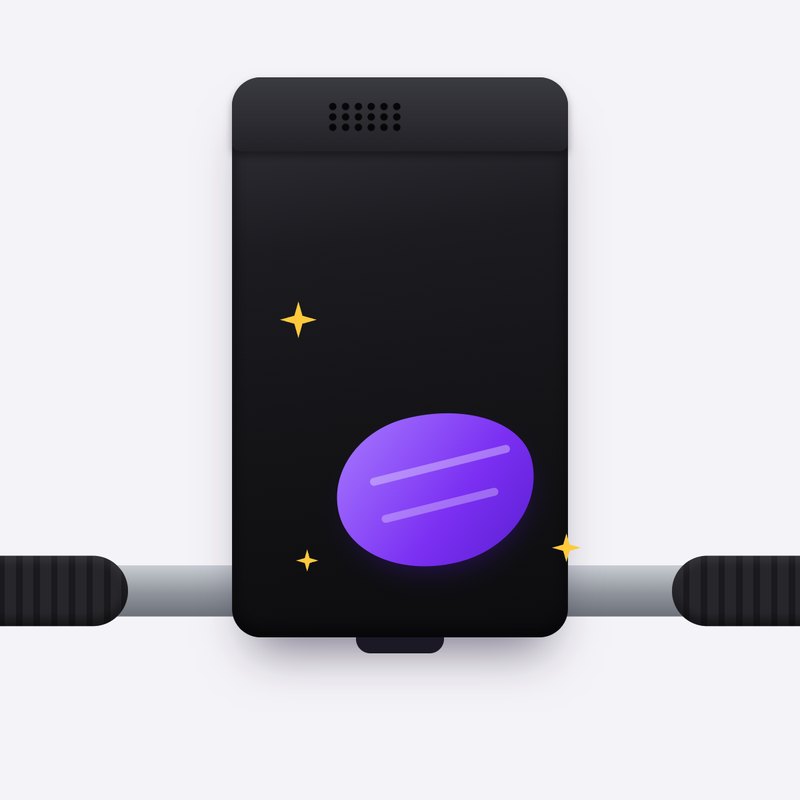
2. Wipe the OBU’s face clean and dry.
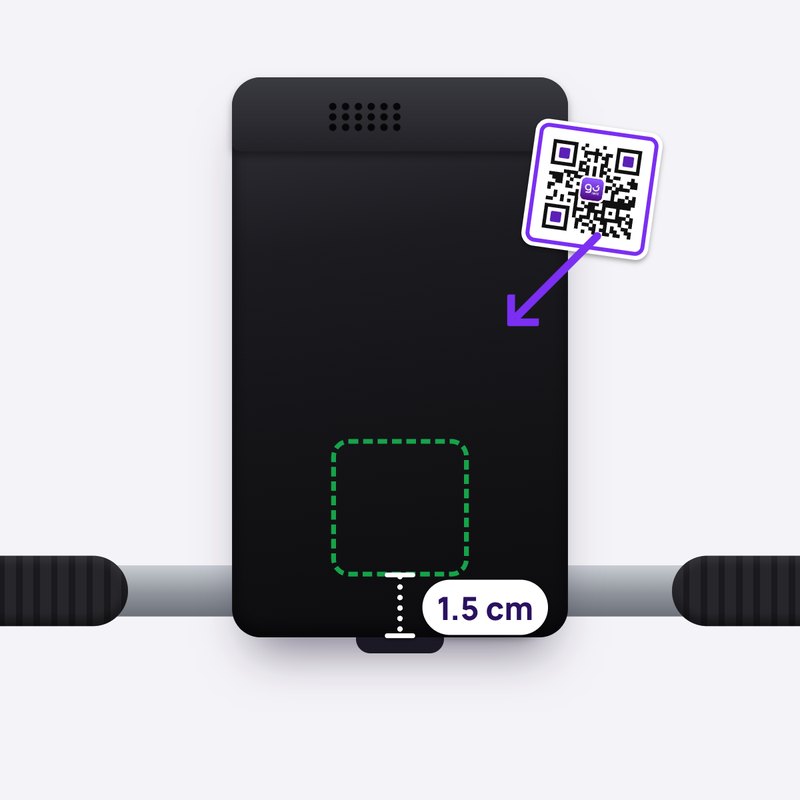
3. Peel it and line it up about 1.5 cm from the bottom, centred and straight.
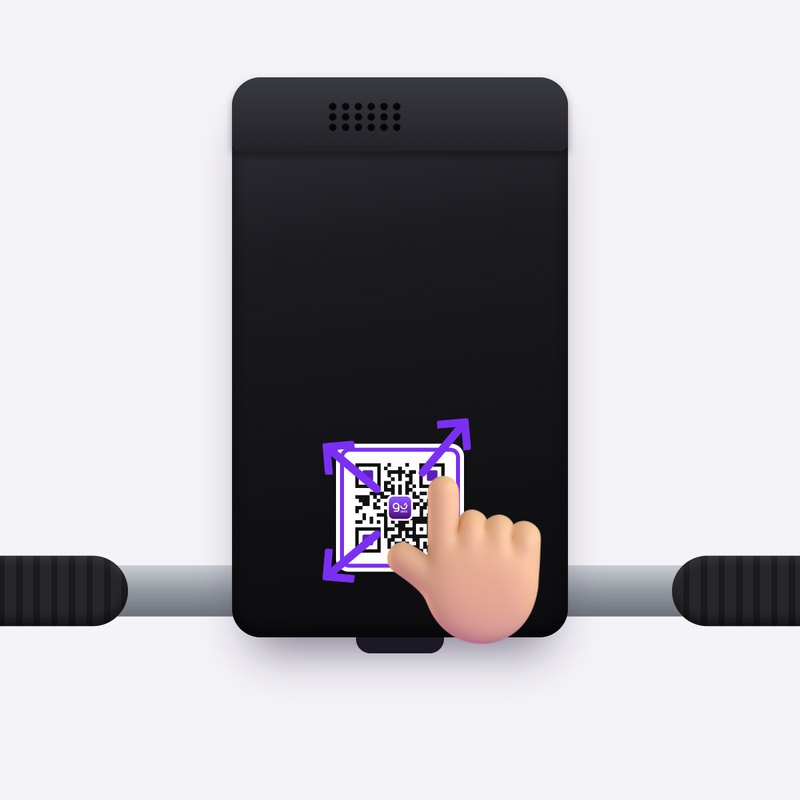
4. Press it flat from the middle out to the edges.
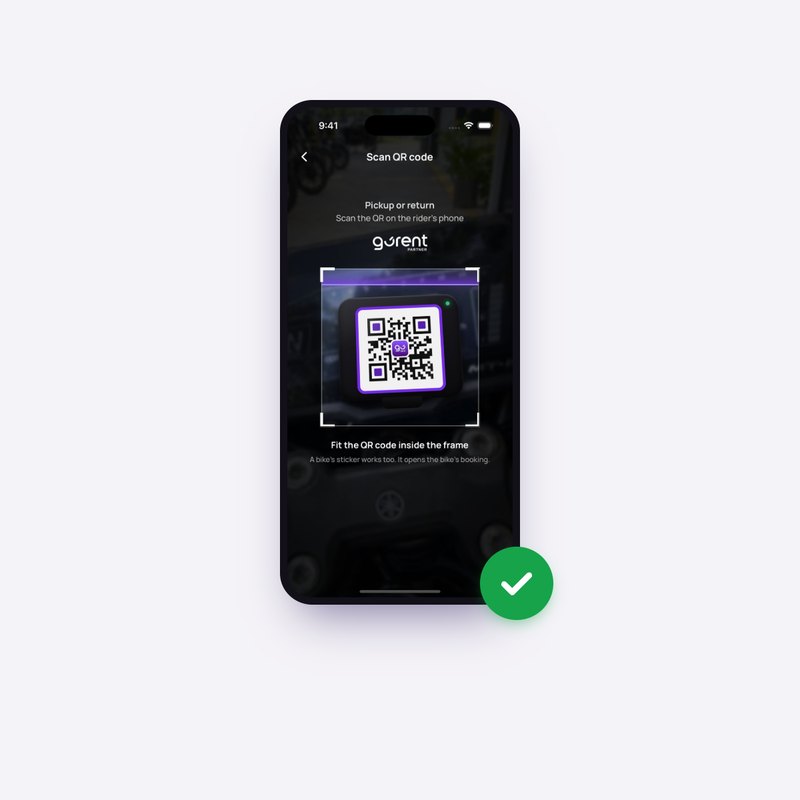
5. Scan it with GoRent Partner to check it works.
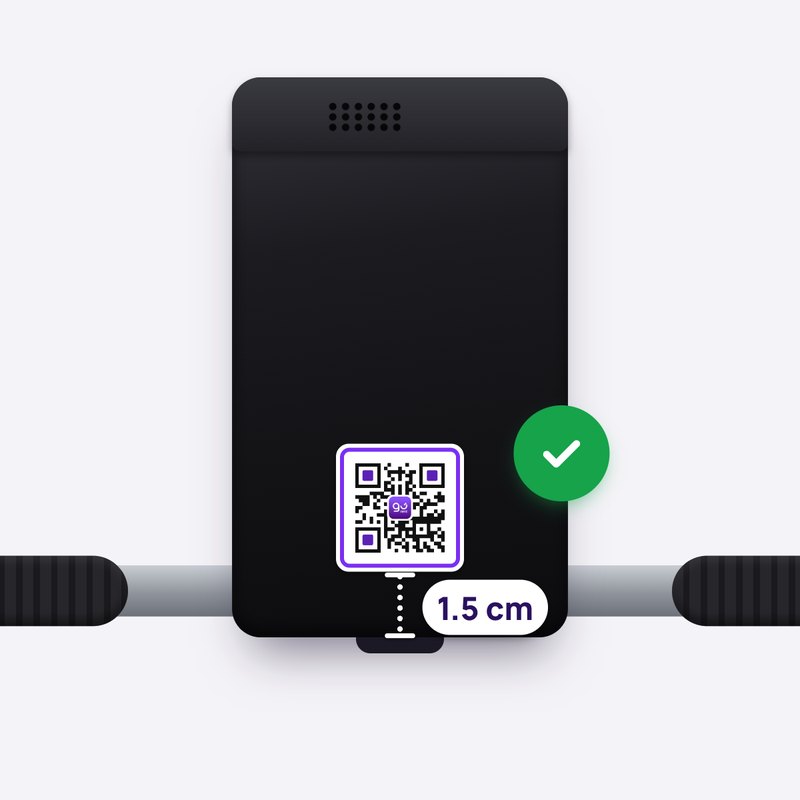
6. Done: easy to see, flat and straight.
Common mistakes to avoid
If a rider can’t scan the sticker, they can’t start or end their rental. Here are the mistakes to avoid:
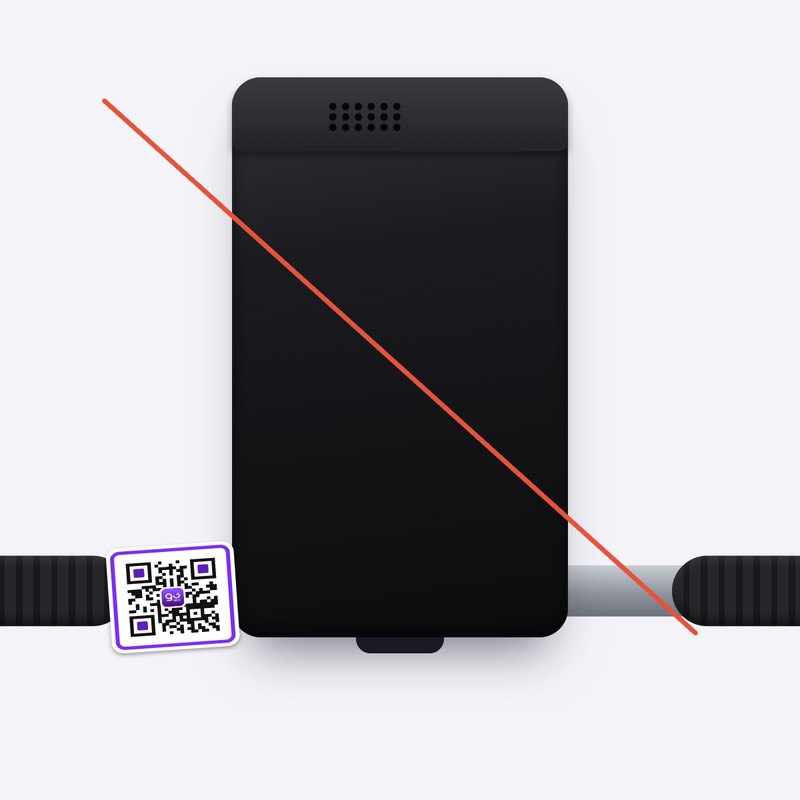
Don’t paste it anywhere but the OBU
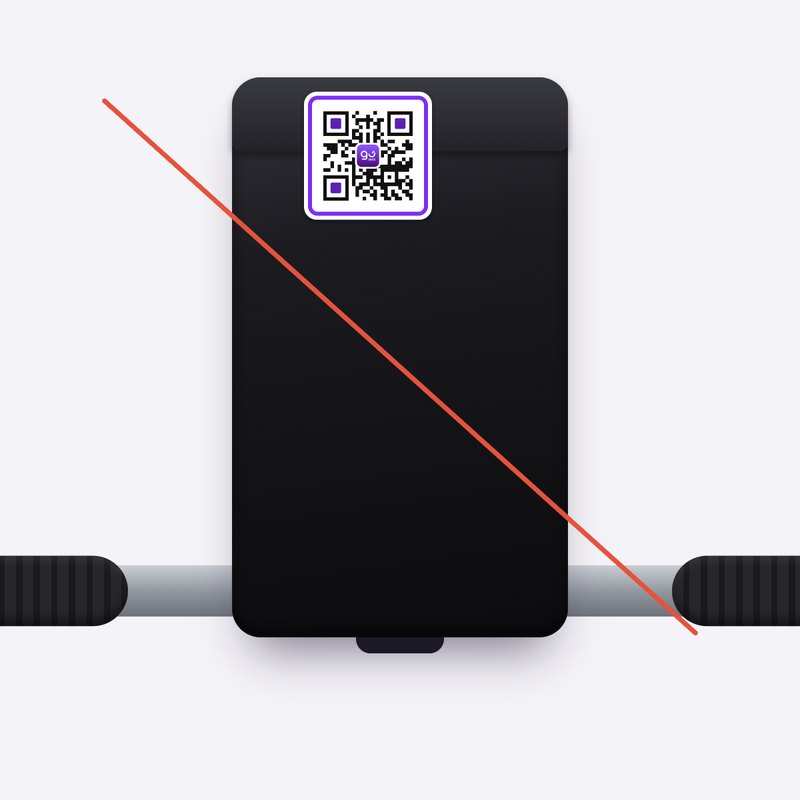
Don’t cover the speaker holes
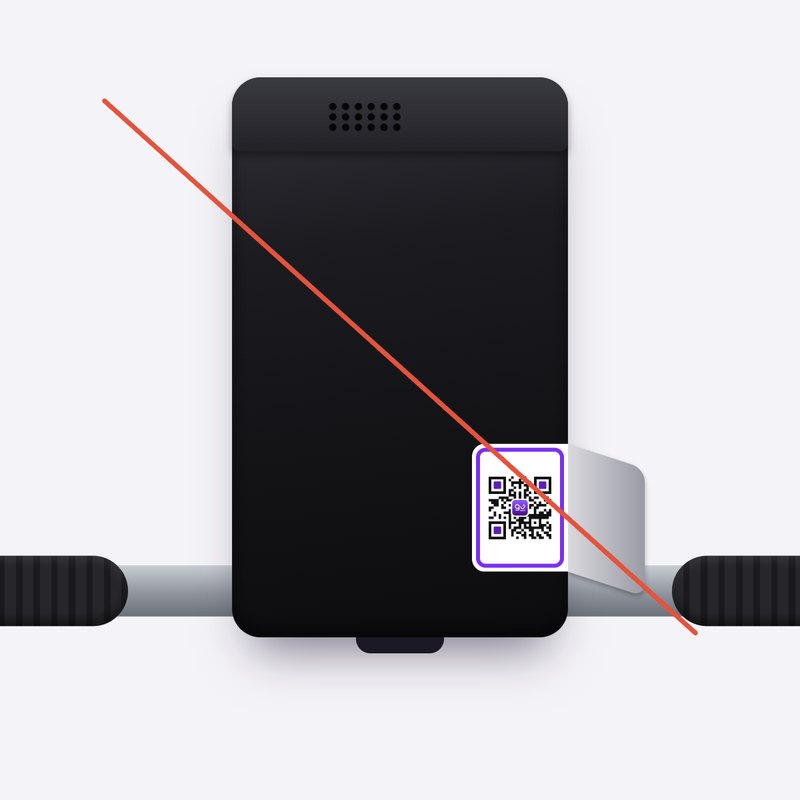
Don’t wrap it over an edge
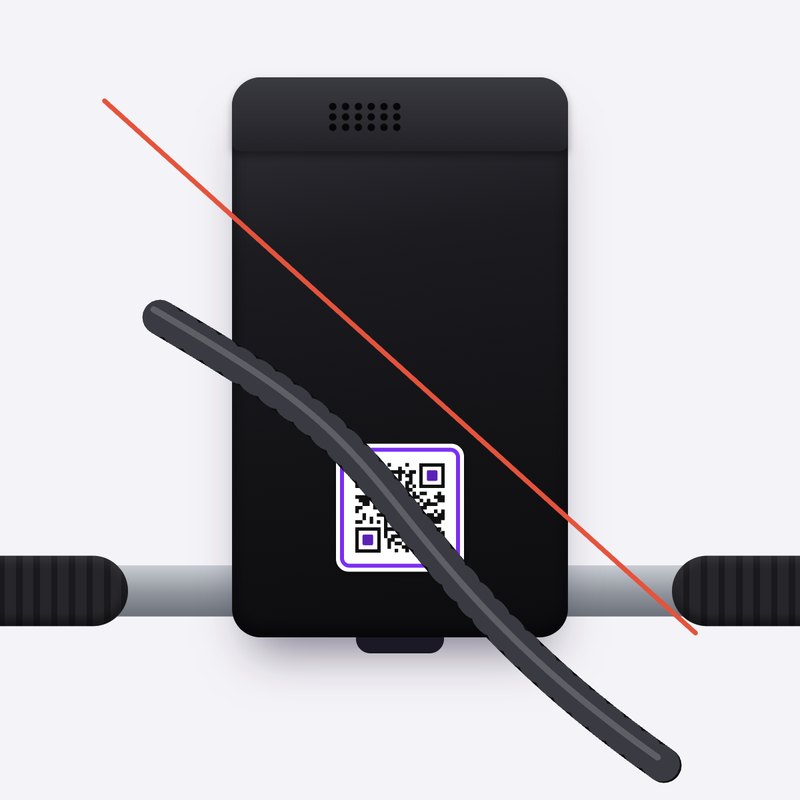
Don’t let cables or holders cover it
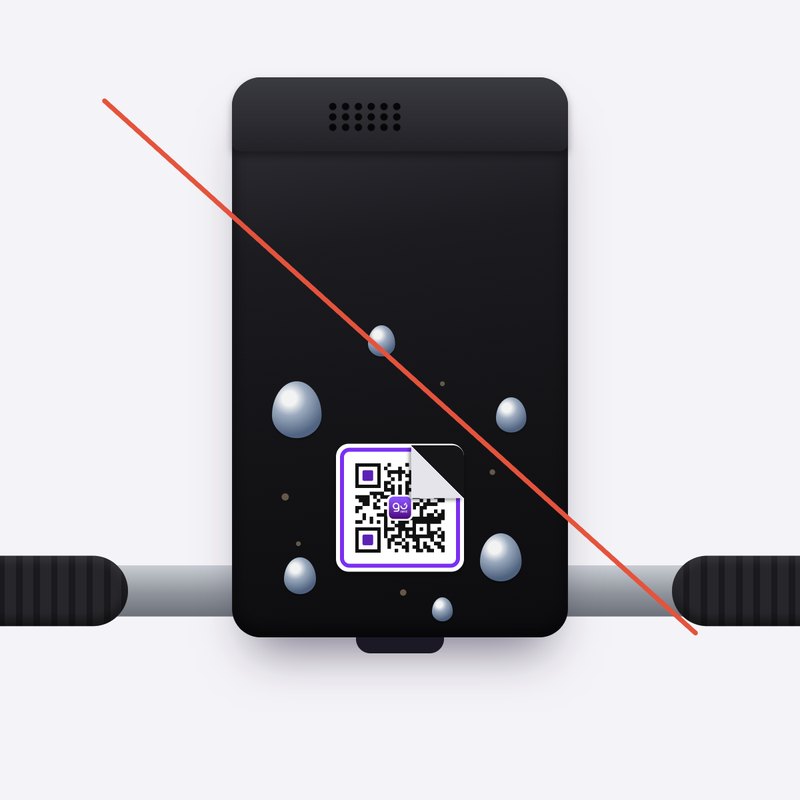
Don’t paste it on a wet or dirty surface
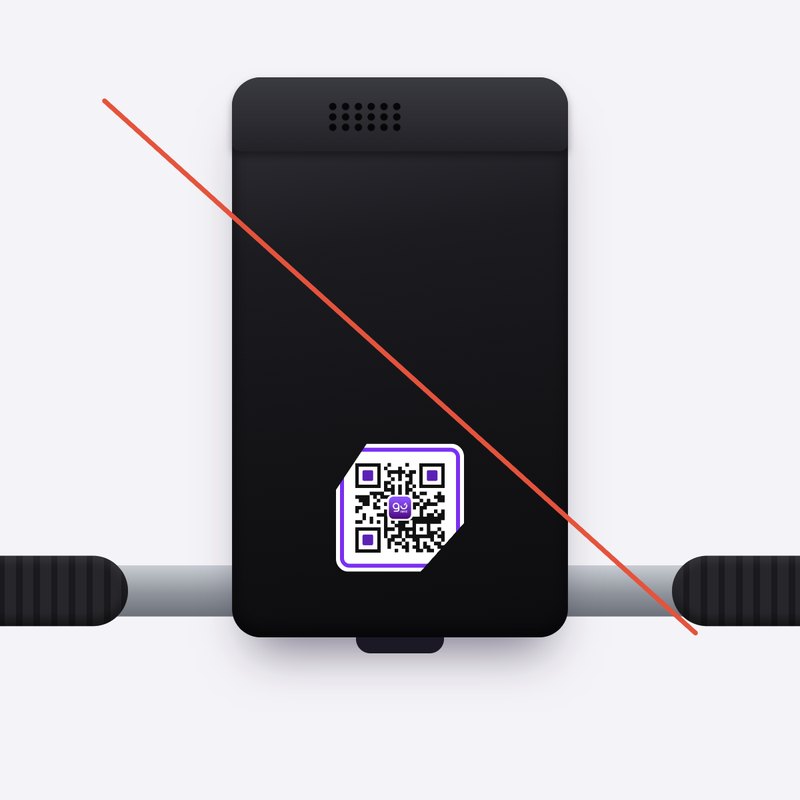
Don’t cut into the purple frame
Check your stickers now and then. If one is scratched, faded or peeling, message us on WhatsApp for a new one.
Still stuck? Message us on WhatsApp.
Questions
My bike’s OBU looks different
Paste the sticker on the flattest part of the OBU’s face, where a rider standing beside the bike can see and scan it. If there’s no good spot, message us.
Can I put tape or a clear cover over it?
No. Tape and covers catch the light and can stop the scan. The sticker is already weatherproof.
I pasted it in the wrong spot
Peel it off slowly and paste it again on a clean, dry spot. If it won’t lie flat any more, message us for a new one.
I pasted it on the wrong bike
Message us and we’ll sort it out. Until then, that sticker won’t start the rental of the bike it’s on.