
Partner app
Getting started with GoRent Partner
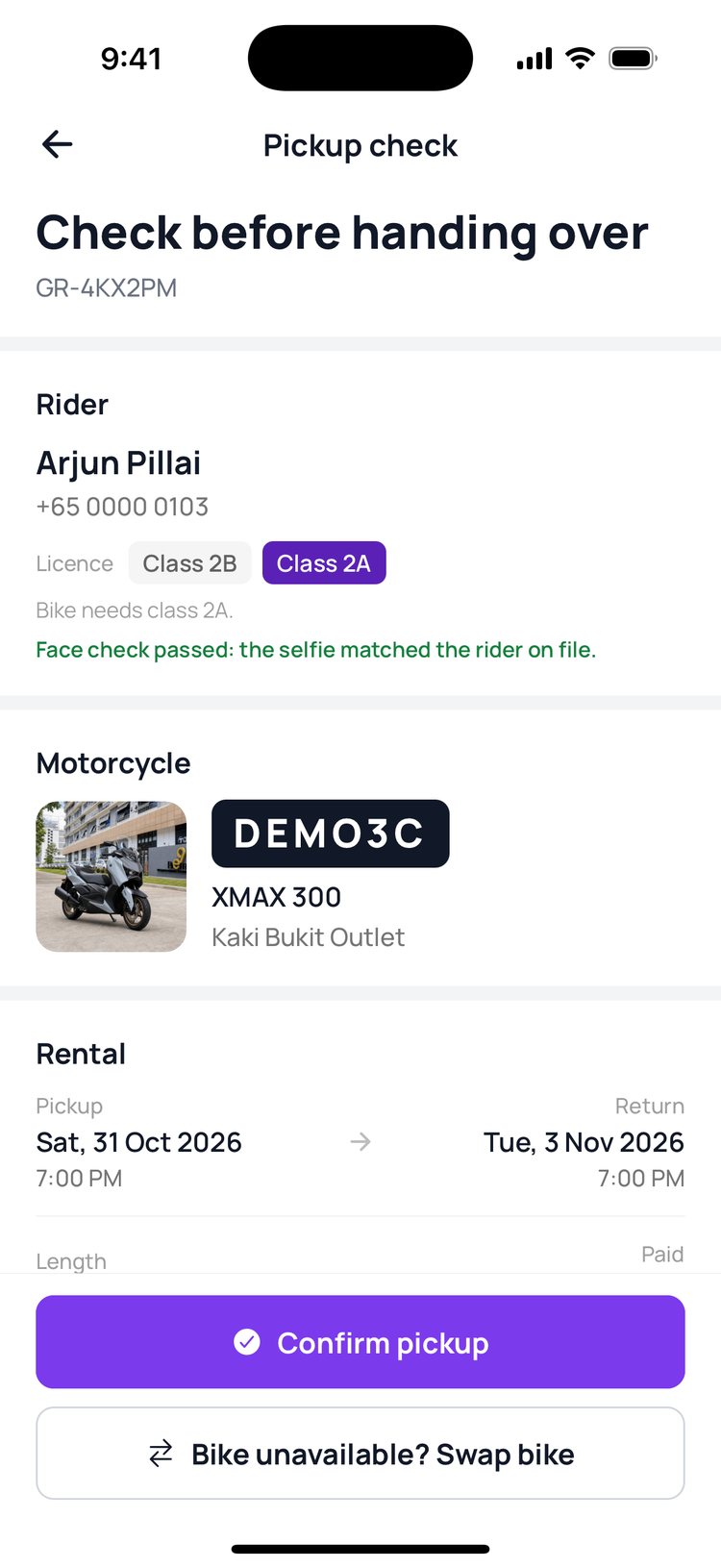
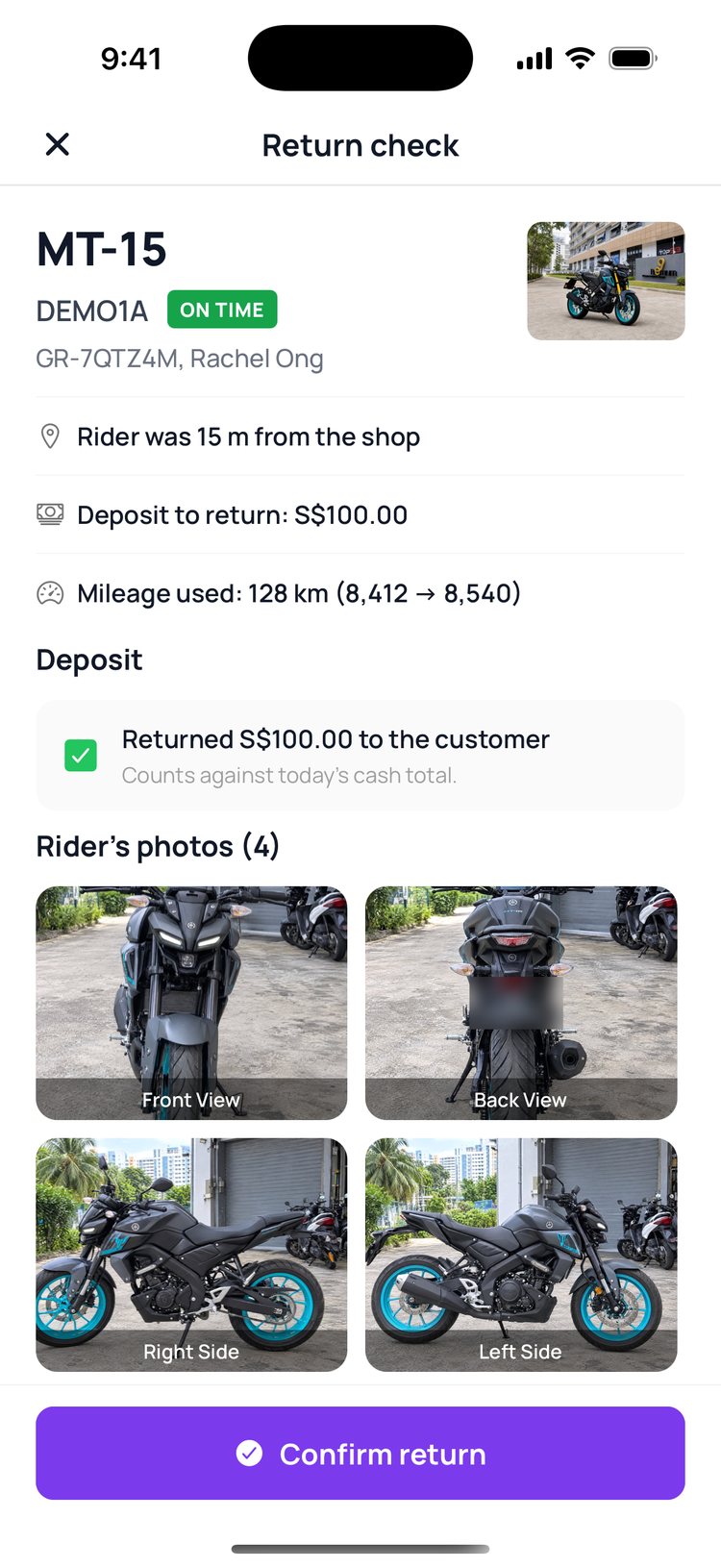
GoRent Partner is the app for your counter. Hand bikes over, check them back in, block dates and manage your bikes, all from your phone.
How it works:
Sign in with the mobile number your shop gave GoRent. Each person on your team signs in with their own number, and sees what the shop owner allows. The app has five tabs: Home, Fleet, Scan, Calendar and More.
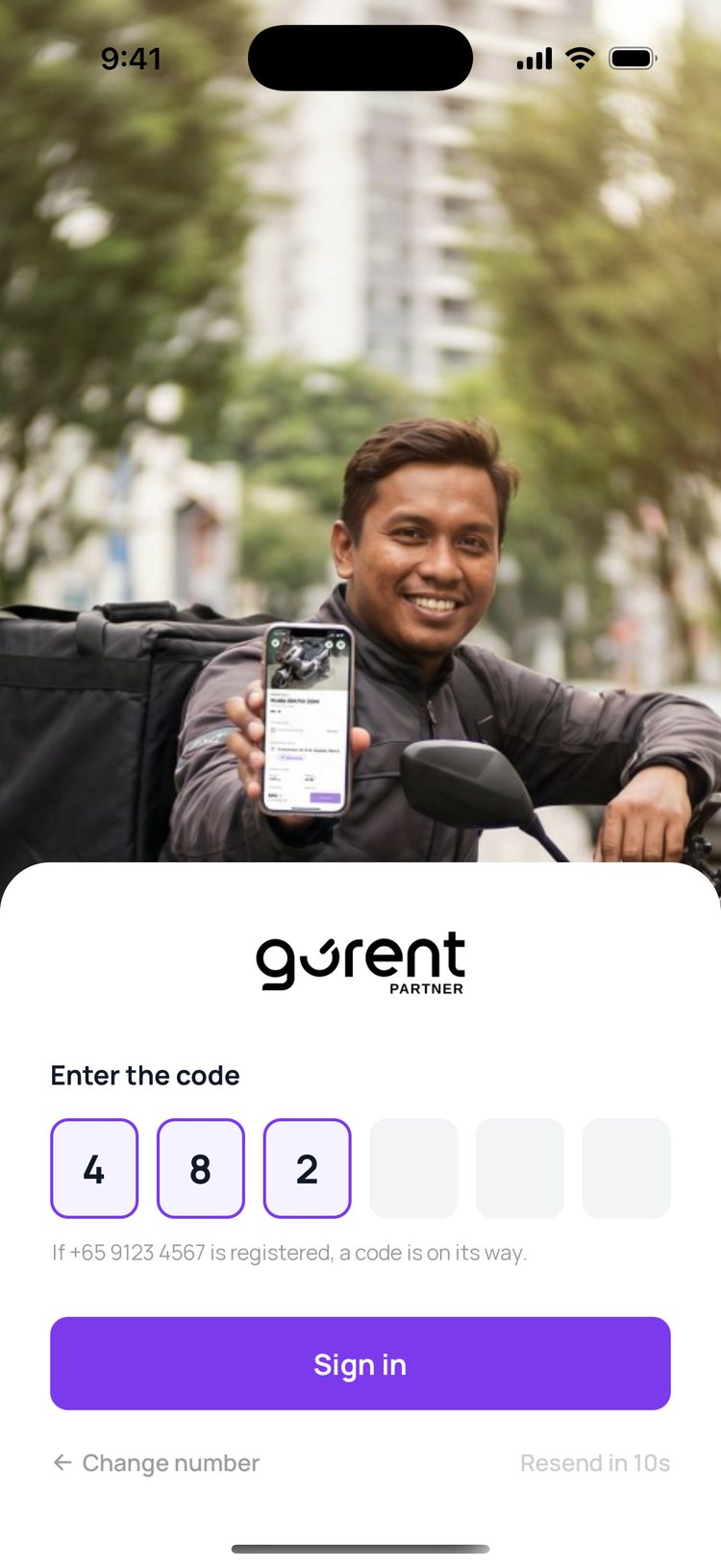
1. Type your mobile number, then tap ‘Send code’.
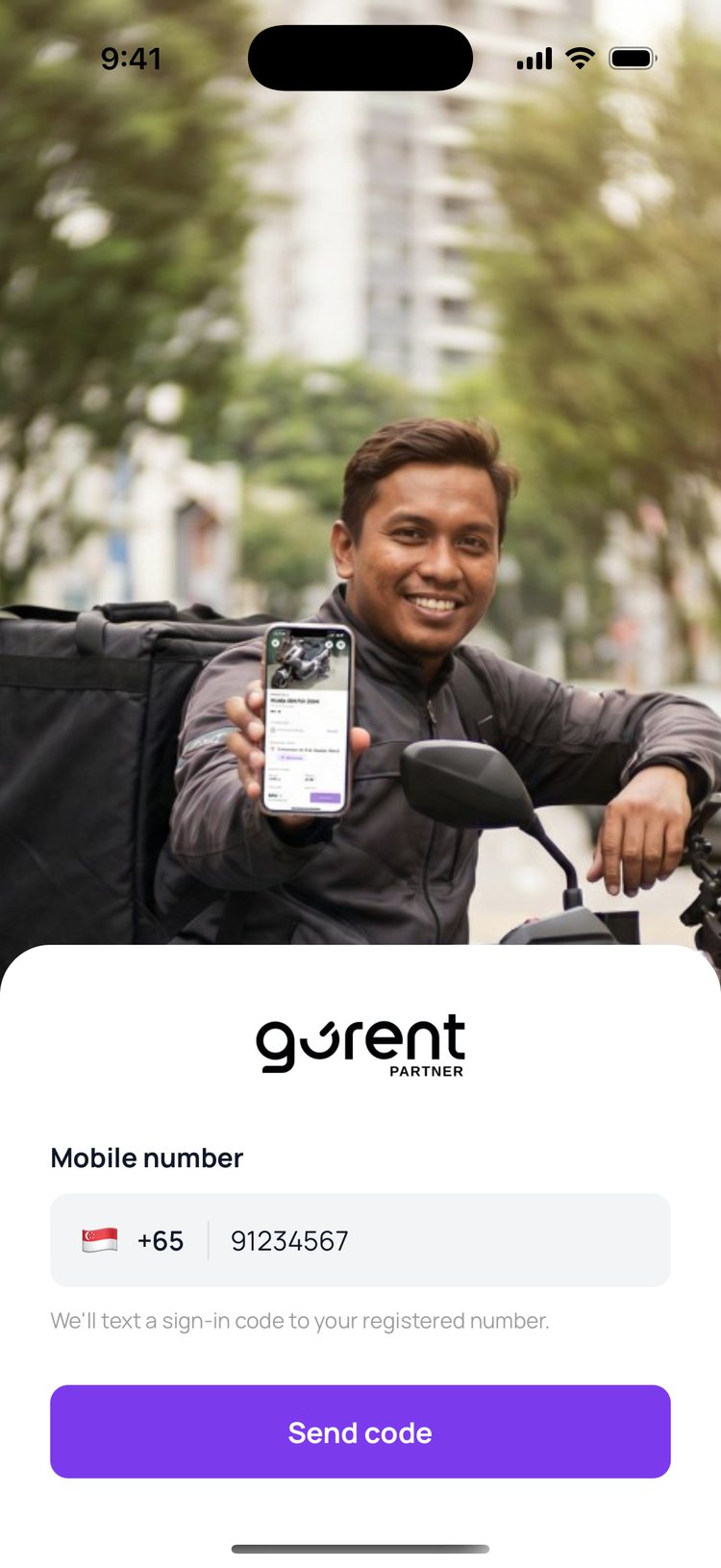
2. Type the 6-digit code we send you by SMS.
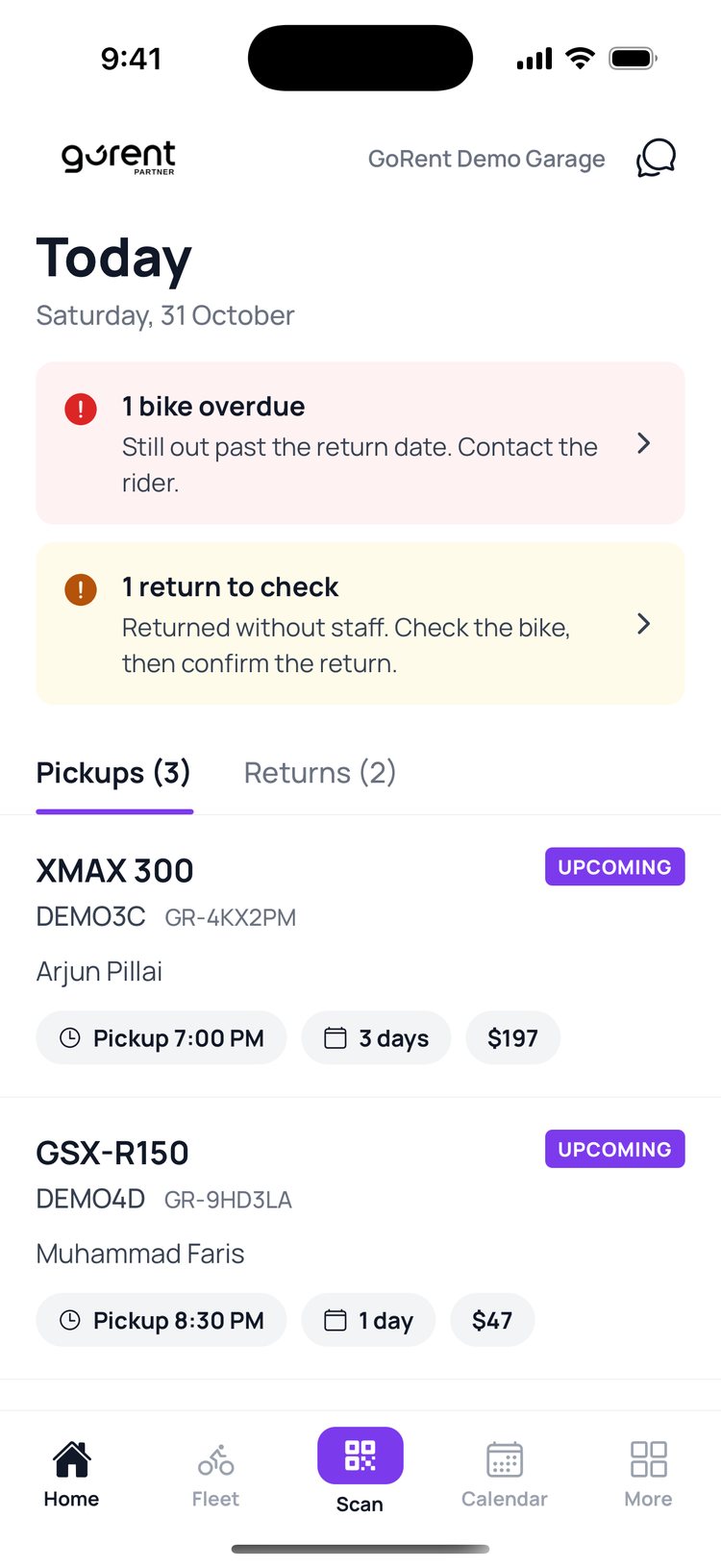
3. ‘Home’ shows today’s pickups and returns. Tap a booking to open it.
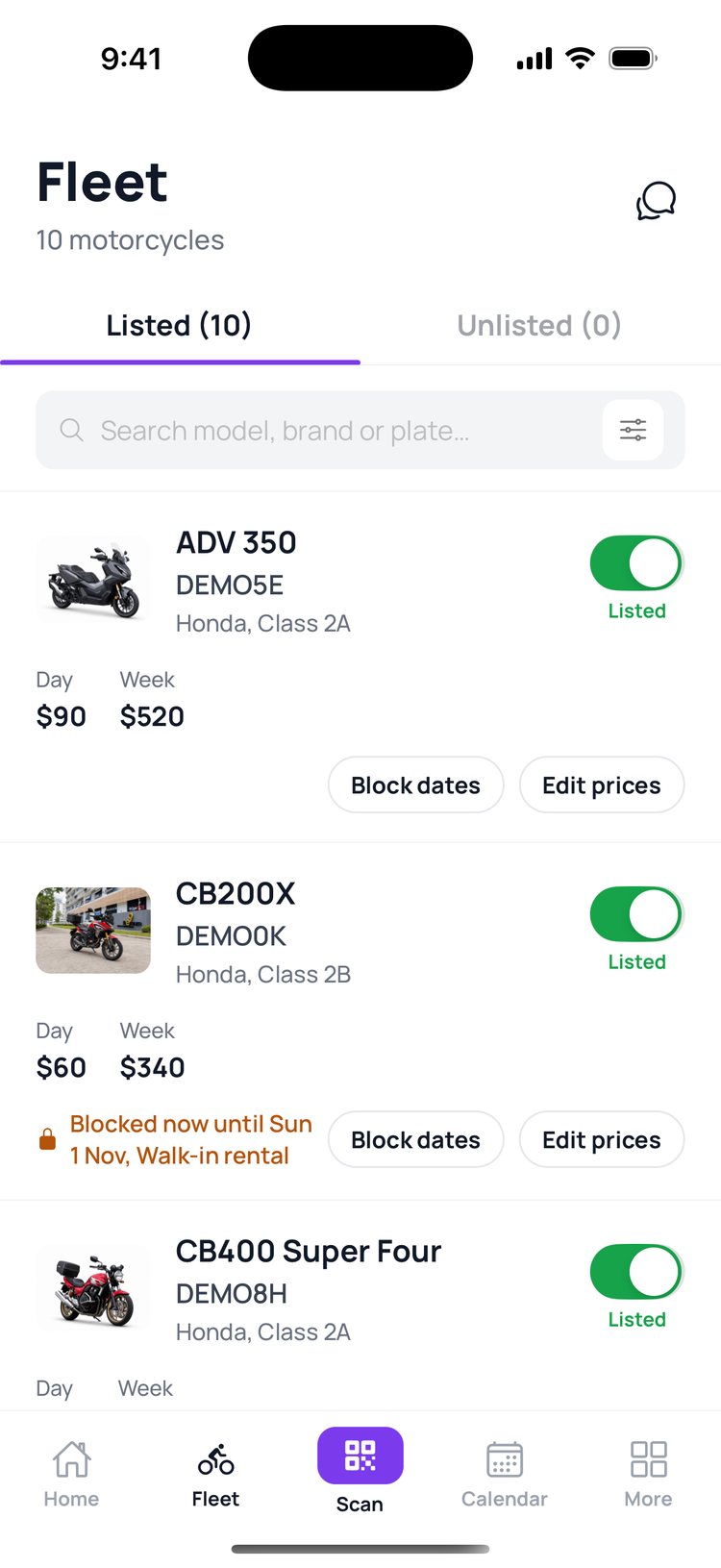
4. Tap ‘Fleet’ to see all your bikes and their prices.
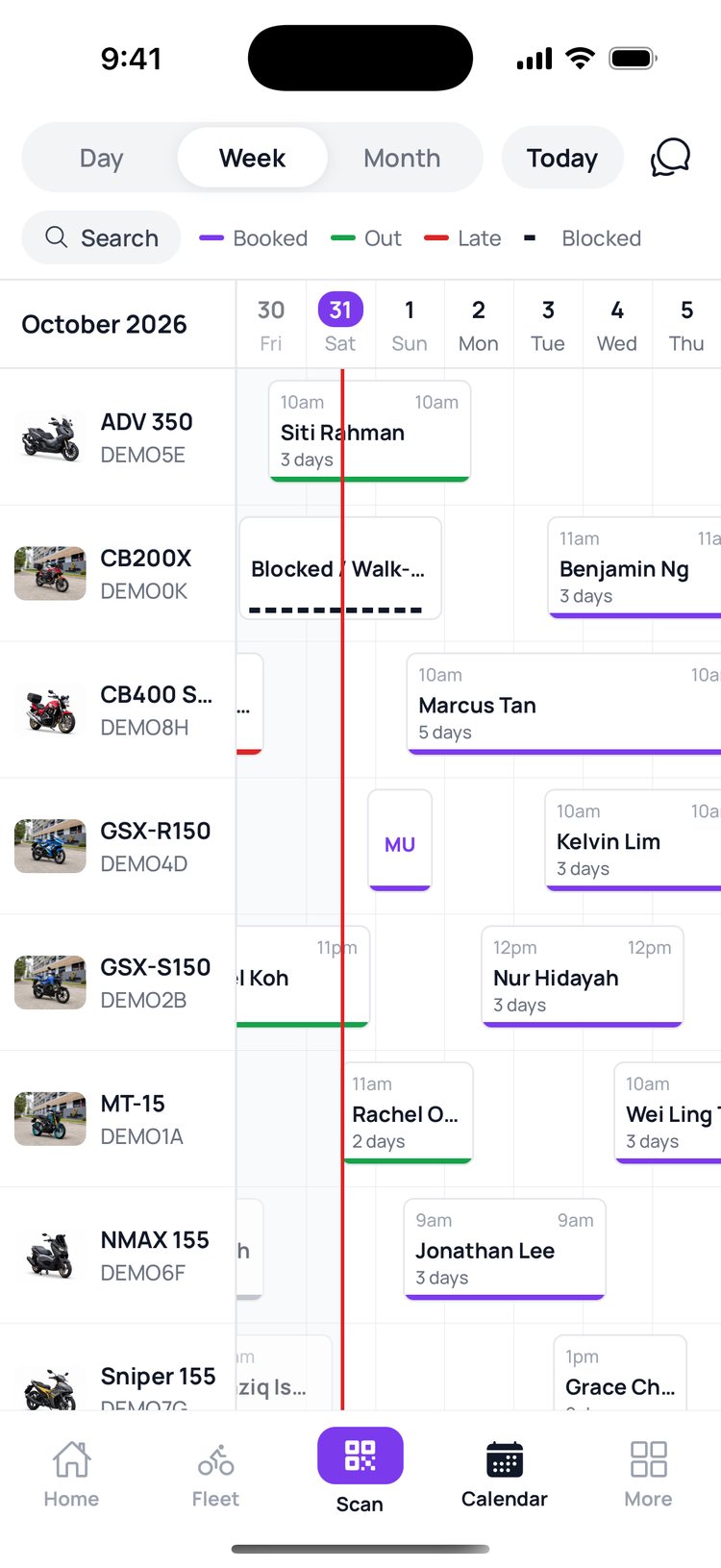
5. Tap ‘Calendar’ to see every bike’s bookings for the week.
6. Tap ‘More’ for earnings, payouts, bikes, alerts and help.
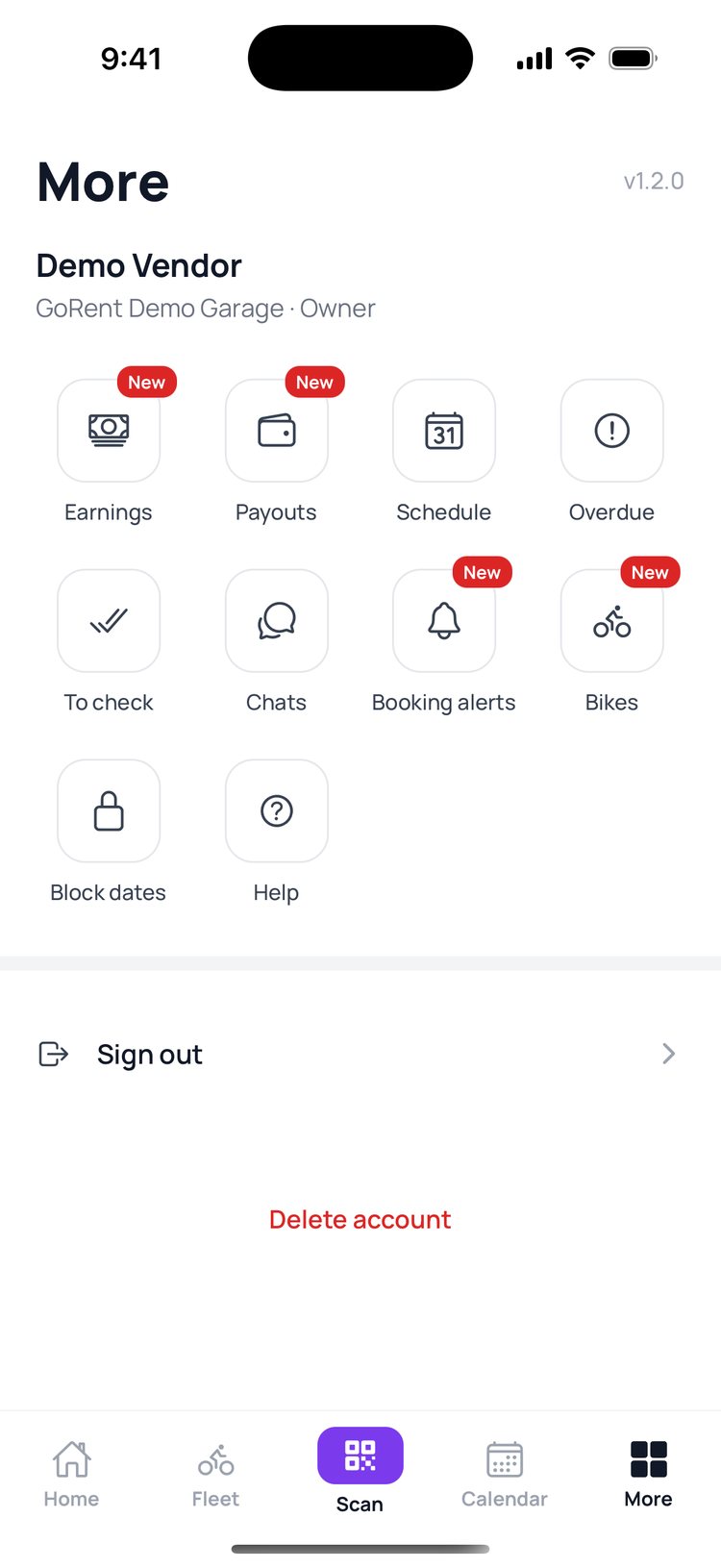

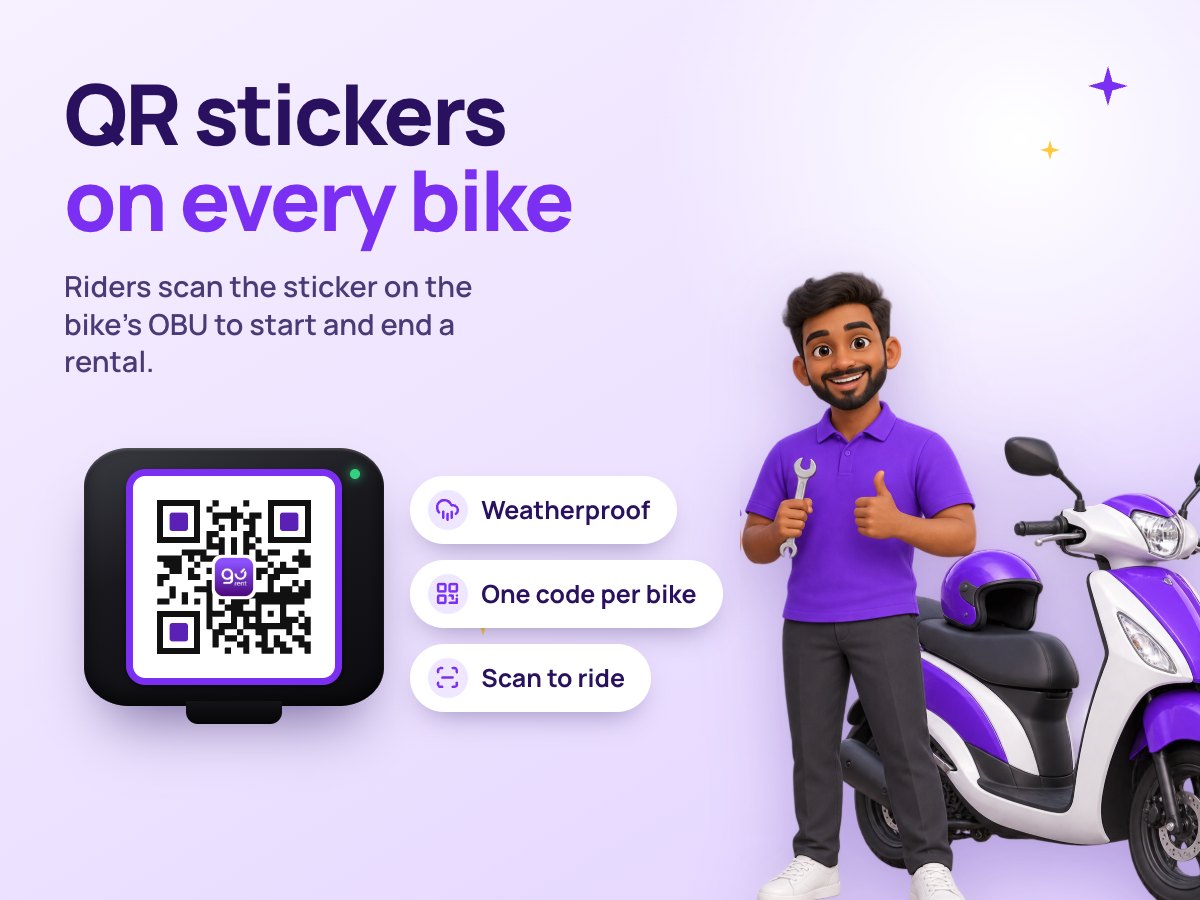
The purple ‘Scan’ button in the middle opens the camera for pickups and returns. You’ll use it every time a rider comes to your counter.
Still stuck? Message us on WhatsApp.
Questions
I didn’t get the code
Check that you typed the number your shop registered with GoRent. Wait for the timer, then tap ‘Resend’. If it still doesn’t come, message us on WhatsApp.
Can my staff sign in too?
Yes. The shop owner adds each staff member with their own mobile number in the vendor portal, under Settings, Team and logins. Each person then signs in with their own number.
Why can’t I see Earnings or Payouts?
Only the shop owner, and managers the owner allows, can see money. Staff see bookings and bikes.
Do I need to update the app?
Keep GoRent Partner up to date from the App Store or Google Play. Small fixes can also arrive on their own the next time you open the app.